Home IT support is help with the technology in your home: Wi-Fi that reaches every room, a slow or infected laptop, a Windows reinstall, an SSD or RAM upgrade, lost files, or a home office that needs to work properly. Listonics engineers visit homes across Dubai or fix software problems remotely, with the price agreed before work starts.
Proof, not promises
Real reviews from Trustpilot and Google, word for word. Google rating 5.0 from 5 reviews, checked 2026-10-17.
Best team I’ve ever hired. All in one place.
As a construction company, we have a lot to manage, so finding one team that can handle our IT and digital requirements has been really helpful. Listonics has supported us with office networking, cybersecurity, website development and SEO. Their team knows what they’re doing and has been easy to work with. We no longer need to coordinate with different companies for every requirement, which saves us time and effort. Overall, it’s been a good experience, and we’re happy to have them supporting our business.
We needed a custom ERP and HR system…
We needed a custom ERP and HR system for our business, along with a new website, and Listonics helped us with all three. The team was approachable, listened to what we wanted and made the process easier than we expected. We could discuss changes directly with them, which made a big difference. It was also convenient having one team handle everything instead of dealing with multiple companies. Overall, we’re happy with how things turned out and glad we chose them.
Listonics projects run from AED 2,500 to AED 30,000 as a fixed scope; support is a fixed monthly fee with response times written into the agreement. The IT support cost guide and managed IT pricing guide set out how the numbers are built.
What home IT support covers
Most home technology problems fall into a few groups, and each has a page of its own with the detail. Office engineers see the same faults every week, just on a larger scale, so the fixes are well practised rather than improvised.
These are the jobs we do most often in Dubai homes.
- Wi-Fi that does not reach bedrooms, upper floors or the garden, in villas and apartments: home Wi-Fi setup.
- Old laptops brought back to life with a faster drive and more memory: SSD and RAM upgrades.
- Windows that is slow, broken or infected: Windows reinstall and virus removal.
- Deleted files, a formatted drive or an external disk that no longer shows up: data recovery.
- Laptops that run hot, loud or shut down in the summer: laptop overheating.
- A laptop stuck on a screen asking for a BitLocker recovery key: BitLocker recovery.
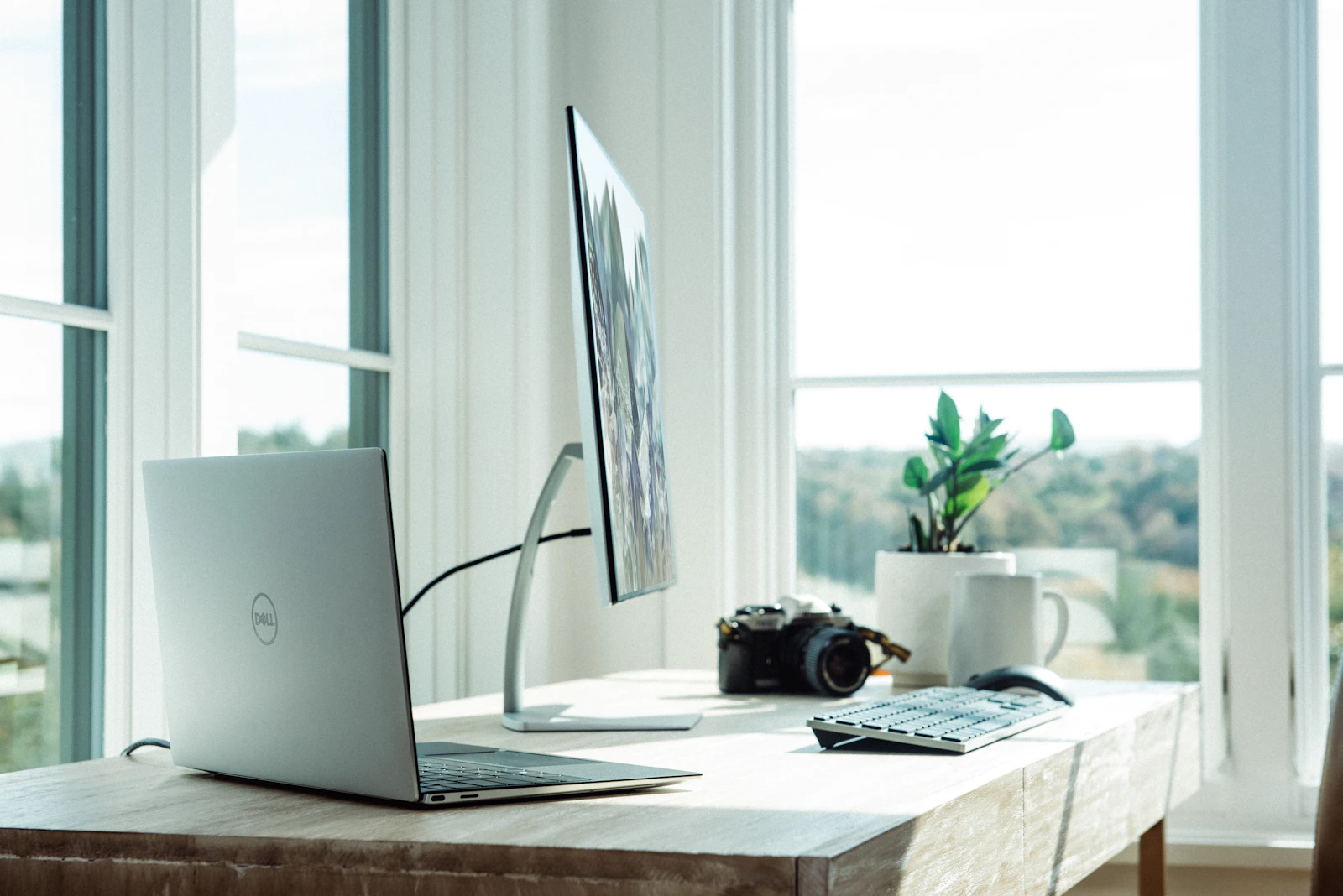
- Home offices: docking stations, second screens, webcams and secure access to work.
How it works: a home visit or a remote session
You describe the problem on WhatsApp or by phone, and we tell you whether it needs an engineer at your home or can be fixed remotely. Software problems, such as a slow start-up, an unwanted program or a misbehaving setting, can usually be handled over a secure remote session while you watch. Anything physical, such as Wi-Fi coverage, a hardware upgrade or a cleaning, needs a visit.
Before any work starts you get a clear description of what will be done and a fixed price for it. If we find something different once the laptop is open or the router is in front of us, we stop and agree the change with you first. There is no meter running while we work.
Home Wi-Fi in villas and apartments
The most common home call in Dubai is Wi-Fi. Villas are built with block and concrete walls over two or three floors, and the provider's router usually sits in a cupboard near the front door, so the far bedrooms, the majlis and the garden get a weak signal or none.
A bigger router rarely fixes it. The answer is usually a mesh system or access points connected by cable, placed after a quick survey of the home. It is the same engineering we do for offices through our network and Wi-Fi service, sized for a family instead of a floor of desks.
Laptops and computers
A laptop that has become painfully slow is often three or four years old with a traditional hard drive. Replacing that drive with an SSD, and adding memory where the laptop allows it, is one of the best-value fixes in IT. It costs a fraction of a new laptop, and the difference is obvious from the first start-up.
Where the problem is Windows itself, a clean reinstall clears years of accumulated software and leftover infections. We back up your files first, install genuine Windows only, and put back the programs you actually use. If your laptop still runs Windows 10, it stopped receiving free security updates in October 2025, as Microsoft's lifecycle page records, and we can tell you whether it can move to Windows 11.
Your data: recovery, backup and safe disposal
Lost files are the call nobody wants to make. If files were deleted, a drive was formatted by mistake, or an external disk stopped showing up, the first rule is to stop using that drive, because every new file written to it can overwrite what you want back. Then call us before trying recovery software found online.
We recover data from drives that still work electrically. A drive that clicks, was dropped or got wet needs a specialist laboratory with a clean room, and we will say so plainly and point you to one instead of making it worse. We also set up home backup so the next failure is an inconvenience, not a loss, and wipe old laptops properly before you sell or give them away.
Home offices and working from home
Many of the people who call us work from home part of the week. A good home office needs more than a laptop on the dining table: a docking station so one cable connects the screens, keyboard and network; a webcam and headset that make calls clear; and Wi-Fi or a cable strong enough for video.
It also needs to be secure, because a home laptop often holds work email and files. We make sure updates are on, the disk is encrypted, the recovery key is saved, and sign-in uses multi-factor authentication. If your employer runs its own IT, we work within their rules rather than around them.
What we do not do, and why
Being clear about the limits is part of doing the job properly, so here they are.
- We install genuine, licensed software only. No cracked Windows or Office, and no activation tools.
- We do not repair phone screens. That is a specialist shop trade.
- Physically damaged drives go to a specialist recovery laboratory; we will refer you rather than open one ourselves.
- Home CCTV is installed through a SIRA-approved partner, as on our CCTV and access control page.
- We do not break into locked phones or bypass anyone's account security.
If your problem is not on this page, ask anyway. If we cannot help, we will tell you who can. To get started, message us with what is going wrong.
Frequently asked questions
We come to you. Listonics has no walk-in shop: our engineers visit homes and offices across Dubai. Problems that are purely software, such as a slow start-up or an unwanted program, can often be fixed through a secure remote session instead, which is quicker and saves you waiting in for a visit.
It depends on the job, so we agree a fixed price before any work starts, based on what you describe and, where needed, a quick look at the device or the home. If we find something different once we begin, we stop and agree the change with you first. You never pay for time we spend working out what is wrong.
Often, yes, if the problem is software: slowness, pop-ups, a program that will not install, email or account settings. You allow a secure remote session, watch what we do, and can end it at any time. Hardware faults, upgrades, cleaning and Wi-Fi coverage need an engineer in person.
Yes. We set up and support Mac laptops and desktops as well as Windows, including moving data from an old Mac to a new one and preparing a Mac for sale. Some Mac models have memory and storage built into the main board, so upgrades are not possible on those, and we will tell you that before you spend anything.
We work on your data only as far as the job needs, and we tell you before we copy anything, for example when backing up before a reinstall. Copies are deleted once you confirm everything is back. If a laptop holds sensitive work files, tell us first and we will agree how they are handled, or you can have your employer's IT team present.
Written by Srinivasan Ramachandran, Founder, Listonics · Last reviewed November 6, 2026