Laptop Overheating in Dubai: Causes, Fixes and When to Get Help
Dubai is hard on laptops. Heat, fine dust and hot cars all add up, and a laptop that runs hot also runs slow.
A laptop overheats when it cannot move heat out fast enough. In Dubai the usual causes are dust clogging the fan, dried-out thermal paste, vents blocked by a bed or sofa, and being left in a hot car. Check the vents and background programs first; if it still runs hot, it needs an internal cleaning and fresh thermal paste.
Key takeaways
- A hot laptop is usually a slow laptop, because the processor slows itself down to stay safe.
- Dust in the fan and dried thermal paste are the most common causes, and both build up over a few years.
- Use the laptop on a hard, flat surface, never on a bed, cushion or blanket.
- Never leave a laptop in a parked car in a Dubai summer, even for a short time.
- A swollen battery is a safety problem: stop using the laptop and have the battery replaced.
How do you know your laptop is overheating?
The signs are usually obvious once you know them. The fan runs loudly even when you are only browsing. The underside or the area above the keyboard becomes uncomfortable to touch. The laptop slows down sharply during a video call or when several programs are open, then recovers when it cools. In the worst cases it switches itself off without warning.
That last symptom is the laptop protecting itself. Every modern processor watches its own temperature and slows down when it gets too hot, a behaviour called thermal throttling. If slowing down is not enough, the laptop shuts down before damage is done. So a laptop that feels slow in the afternoon but fine in the morning may not need more memory or a new drive. It may simply be too hot.
- A fan that is loud most of the time, or louder than it used to be.
- Hot spots on the base or above the keyboard.
- Slowdowns that come and go with heavy use.
- Sudden shutdowns, especially during video calls or games.
- A battery that drains faster than before, or a case that no longer sits flat.
Why Dubai is hard on laptops
Laptops are designed for ordinary room temperatures. Apple's guidance on operating temperature, for example, says to use its laptops where the room is between 10 and 35°C and not to leave them in a car, because temperatures in parked cars can exceed that range. A Dubai summer goes far beyond it outdoors, and a closed car in the sun much further still.
Heat is only part of it. Fine dust and sand get into homes and offices even with the windows shut, and a laptop's fan pulls air through narrow fins all day, so that dust collects exactly where the heat needs to escape. Then there is the daily cycle of cold air-conditioned rooms and hot outdoor air, which is hard on batteries and can cause condensation if a cold laptop is opened in a humid place.
None of this means a laptop cannot last in Dubai. It means the maintenance that a laptop in a cooler, cleaner climate might never need becomes a sensible routine here.
Quick checks you can do yourself
Start with the easy causes before assuming something is wrong inside. Most of these take a few minutes and cost nothing.
Look at where the laptop sits. Beds, sofas, cushions and laps block the vents on the underside, and many laptops draw their cooling air from there. A hard, flat surface such as a desk or a tray makes an immediate difference, and a simple stand that lifts the back improves airflow further.
Then look at what the laptop is doing. A program stuck in the background can keep the processor busy and the fan running when you think the laptop is idle. On Windows, Task Manager shows which programs are using the processor; on a Mac, Apple points to Activity Monitor for the same check. Close anything you do not recognise as necessary, and restart if the laptop has not been restarted for days.
Check the power settings too. Windows lets you choose between balanced and best-performance modes, as Microsoft explains in its guide to power modes. A best-performance setting runs the processor harder and hotter, which is rarely needed for email and browsing. Finally, install pending updates, since manufacturers sometimes release fixes that improve fan control.
Dust and dried thermal paste: the inside story
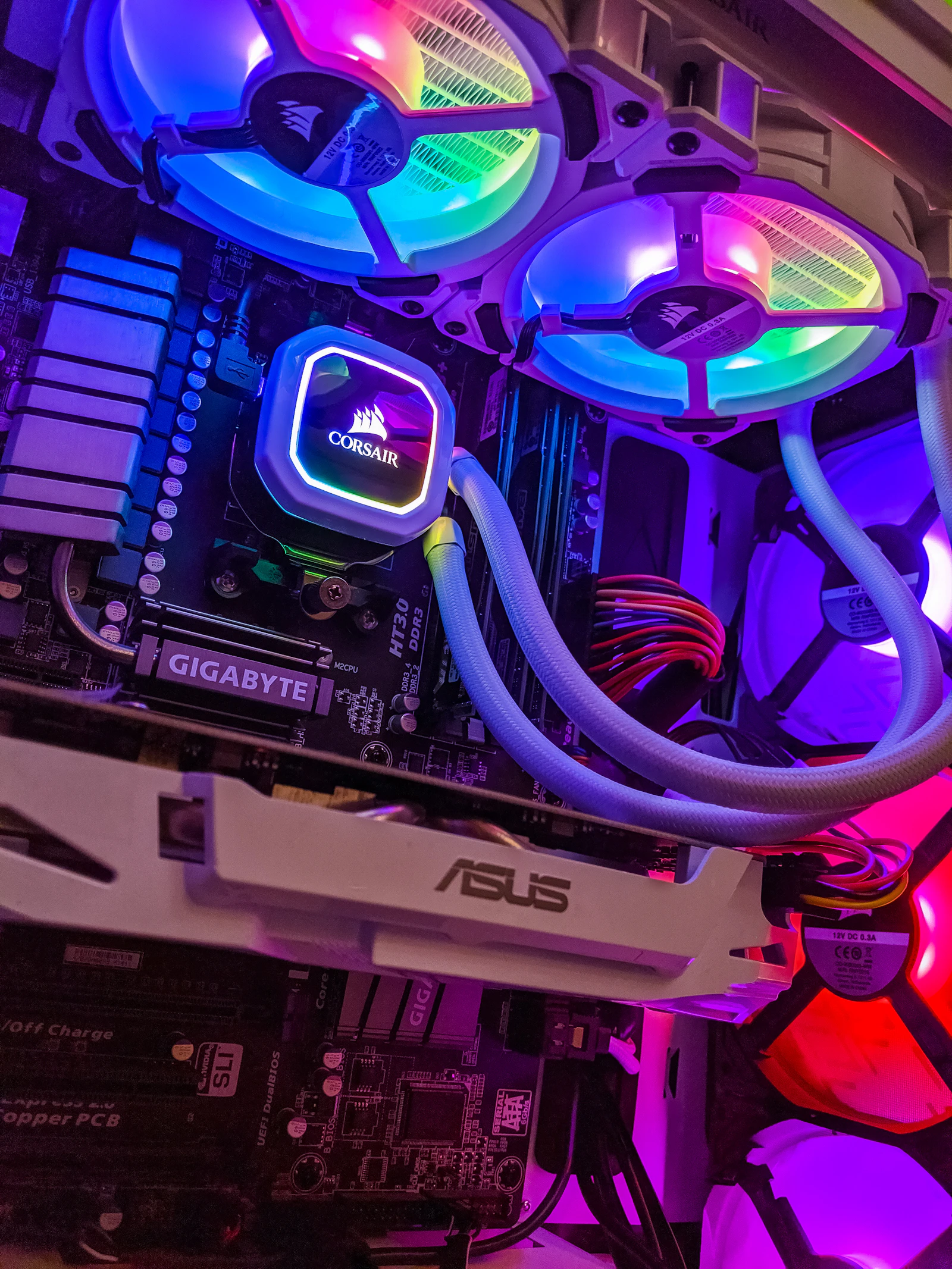
If the quick checks do not help, the cause is usually inside. A laptop's cooling system has three parts: a thin layer of thermal paste between the processor and a metal heat pipe, the heat pipe that carries heat to a small radiator, and a fan that blows air through that radiator and out of the vent.
Over time two things go wrong. Dust builds up on the radiator fins until air can barely pass, often forming a felt-like mat you can sometimes see through the vent. And the thermal paste, which is meant to stay soft and fill the microscopic gaps between the chip and the metal, dries out and stops conducting heat well. Either one alone makes a laptop run hotter; together they make it throttle constantly.
Blowing into the vent or using a can of air from outside rarely fixes this properly, and can push dust further in or spin the fan beyond its rated speed. The reliable fix is to open the laptop, clean the fan and fins, and replace the old paste with fresh compound. On most laptops that is a careful but routine job for someone who has the right tools and knows the model.
When the battery is the problem
Heat ages lithium batteries, and an ageing battery can swell. The signs are a laptop that no longer sits flat on a table, a trackpad that clicks poorly or feels raised, a gap opening along the case, or a keyboard that bulges slightly.
A swollen battery is a safety issue, not a performance issue. Stop using the laptop, unplug it, keep it away from heat and soft furnishings, and do not press on the bulge or try to puncture it. The battery needs replacing by someone who can remove it safely and dispose of it properly. If your laptop is under warranty, contact the manufacturer first.
Habits that keep a laptop cool through a Dubai summer
A few habits make most of the difference, and they cost nothing.
- Never leave a laptop in a parked car, including in the boot.
- Let a laptop that has been outside or in a car come to room temperature before switching it on.
- Use it on a desk or a hard tray, and keep the vents clear.
- Shut it down or let it sleep properly before putting it in a bag; a laptop running inside a closed bag heats up fast.
- Keep it away from direct sun through windows, which heats the case surprisingly quickly.
- Have it cleaned inside every couple of years, or sooner if you notice the fan getting louder.
Slow because of heat, or slow for another reason?
It is worth separating the two, because the fixes are different. If the laptop is slow from the moment it starts, before it has had time to warm up, the cause is more likely an old spinning hard drive, too little memory, or a cluttered Windows installation. Those are fixed by an SSD and RAM upgrade or a clean Windows reinstall, not by cleaning.
If it starts quickly but slows down after some minutes of work, and the fan is loud while it does, heat is the likely cause. Many older laptops have both problems at once, which is why we often combine a cleaning with an upgrade in the same visit.
How Listonics helps with laptop overheating
Listonics engineers clean laptops inside and replace thermal paste at homes and offices across Dubai. We check the model first, tell you if it is still under warranty and what that means, clean the fan and radiator, apply fresh paste, and test temperatures and performance before handing it back. If the battery is swelling, we tell you straight away and arrange a replacement.
For offices with many laptops, it fits into our workplace IT setup and support work. For a single laptop at home, see our home IT support page, or send us the make and model and describe what it is doing.
Frequently asked questions
Warm is normal, especially during video calls or heavy work. It becomes a problem when the laptop is too hot to rest on your legs, the fan is loud most of the time, performance drops sharply, or it shuts down by itself. Those signs mean it cannot get rid of heat fast enough, and the cause is worth finding.
Every couple of years is a sensible rule for a laptop used daily, and sooner if the fan gets noticeably louder or the laptop starts slowing down when warm. Dusty environments, such as homes near construction or sites, need it more often. A cleaning usually includes fresh thermal paste at the same time.
A short burst through the vent while the laptop is off can loosen surface dust, but it rarely clears the mat that builds up on the radiator fins inside, and it can push dust deeper or spin the fan too fast. A proper clean means opening the laptop. If you are not comfortable doing that, have it done.
A stand or cooling pad helps by lifting the laptop and improving airflow under it, which is useful on hot days or during long calls. It does not fix a clogged fan or dried thermal paste, though. If the laptop overheats even on a desk with a pad, the cause is inside and needs cleaning.
No, not in the Dubai heat. Apple's guidance says not to leave its laptops in a car because parked-car temperatures exceed the safe range, and the same applies to any laptop. Heat damages the battery and can harm the screen and other parts. Take the laptop with you, even for a short stop.
Stop using the laptop, unplug it and keep it away from heat and soft materials. Do not press on the swelling or try to remove the battery yourself if it is not designed to be removed. A swollen battery is a safety risk and should be replaced by someone who can handle and dispose of it properly.
Written by Srinivasan Ramachandran, Founder, Listonics · Published Nov 06, 2026 · Last reviewed November 6, 2026 · 1667 words