Data recovery gets back files that were deleted, formatted or became unreadable. If a drive still works electrically, the files can often be recovered, as long as nothing new is written to it first. Listonics recovers data from working drives, refers physically damaged ones to a specialist laboratory, and wipes old drives properly before you sell or give them away.
Proof, not promises
Real reviews from Trustpilot and Google, word for word. Google rating 5.0 from 5 reviews, checked 2026-10-17.
Best team I’ve ever hired. All in one place.
As a construction company, we have a lot to manage, so finding one team that can handle our IT and digital requirements has been really helpful. Listonics has supported us with office networking, cybersecurity, website development and SEO. Their team knows what they’re doing and has been easy to work with. We no longer need to coordinate with different companies for every requirement, which saves us time and effort. Overall, it’s been a good experience, and we’re happy to have them supporting our business.
We needed a custom ERP and HR system…
We needed a custom ERP and HR system for our business, along with a new website, and Listonics helped us with all three. The team was approachable, listened to what we wanted and made the process easier than we expected. We could discuss changes directly with them, which made a big difference. It was also convenient having one team handle everything instead of dealing with multiple companies. Overall, we’re happy with how things turned out and glad we chose them.
Listonics projects run from AED 2,500 to AED 30,000 as a fixed scope; support is a fixed monthly fee with response times written into the agreement. The IT support cost guide and managed IT pricing guide set out how the numbers are built.
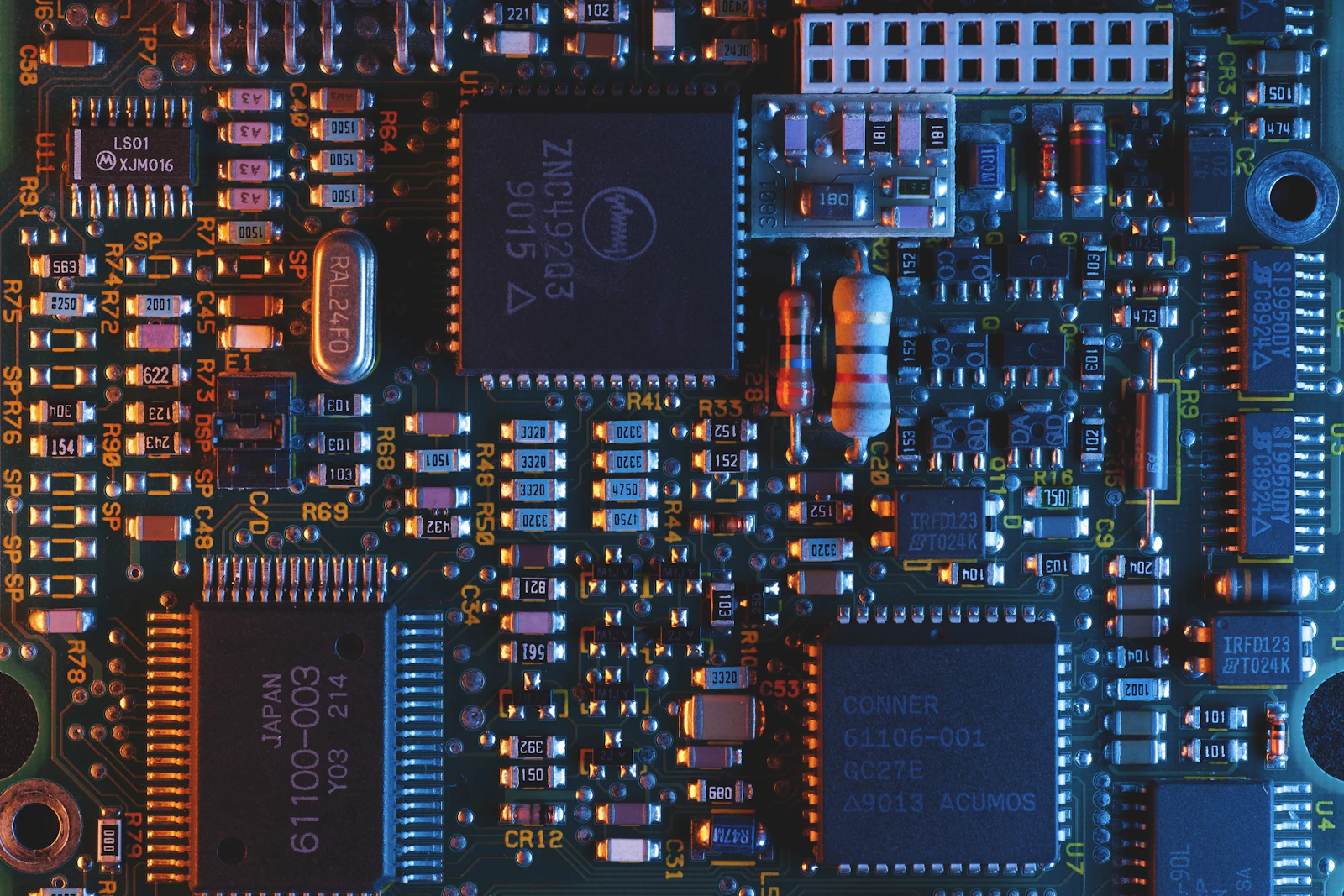
First: stop using the drive
The most important step happens before anyone touches the drive. When a file is deleted, the space it used is marked as free, and the next thing written to the drive can land on top of it. Saving files, installing recovery software or even browsing the web on that drive can destroy exactly what you want back.
So switch off, or at least stop using, the computer or disk the files were on. Do not install recovery programs onto the same drive, and do not let anyone run repair tools that write to it. Then call us and describe what happened: what was lost, how, and what has been done since.
What can usually be recovered
Recovery works best when the drive itself is healthy and the problem is what happened to the files on it. These are the cases we handle in-house.
- Files deleted by mistake, including from an emptied Recycle Bin.
- A drive or memory card formatted by accident.
- A partition that disappeared after an update or a failed installation.
- An external drive that stopped showing up but still powers on and sounds normal.
- A laptop that will not start, where the drive inside is still working.
Microsoft has its own command-line tool for some of these cases, described in its guide to Windows File Recovery. It works, but it writes its results somewhere and is easy to misuse in a panic, which is when most avoidable losses happen.
When a drive needs a laboratory instead
Some drives are physically damaged, and those need a specialist with a clean room and the tools to open a drive safely. We do not do that work ourselves, and we will not pretend to. The warning signs are clear.
- Clicking, grinding or beeping from a hard drive.
- A drive that was dropped while running.
- Water, coffee or fire damage.
- A burning smell, or a drive that does not spin up at all.
If you hear any of these, switch the drive off and leave it off. Every attempt to power a damaged drive can make recovery harder. We will tell you honestly that it needs a laboratory and point you to one, instead of running software on it and hoping.
SSDs, phones and the honest limits
Solid-state drives behave differently from older hard drives. Most SSDs clear deleted space automatically in the background so they stay fast, and once that has happened the deleted files are usually gone for good. Recovery from an SSD is therefore much less likely than from a hard drive, especially after time has passed, and anyone who promises otherwise is guessing.
Encryption changes things too. Many Windows laptops encrypt their drive automatically, and without the recovery key the data cannot be read by anyone. If your laptop is asking for that key, our guide to the BitLocker recovery key screen explains where to find it. Phones are similar: the realistic route to lost photos is usually the phone's cloud backup, and we help you check it.
How we work on your drive
Carefully, and in an order that protects the data. Where the drive allows it, we copy it first and work on the copy, so the original is not touched again. Recovered files are written to a separate drive, never back to the one they came from.
Before you decide anything, we tell you what can be recovered and show you the file names and folders found, so you can see whether the files that matter are there. Your data is handled only for the job, and our copies are deleted once you confirm you have everything back.
Secure data wipe before selling or giving away a laptop
The reverse problem is just as common: someone sells an old laptop believing that deleting files is enough. It is not. The same recovery methods described above can bring those files back for the next owner, along with saved passwords and email.
A proper wipe follows a recognised standard. NIST's guidelines for media sanitisation set out how to clear or purge different kinds of storage, and both major systems have a built-in route: Windows can reset the PC and clean the drive, and Apple explains how to erase a Mac and reset it to factory settings. We do it properly, sign the laptop out of every account first, and tell you exactly what was done.
So it does not happen again
Recovery is the expensive way to learn about backup. Once your files are back, we set up a backup that runs by itself, to an external drive, a home NAS or a cloud service, and test that it actually restores. Our article on backup that actually restores explains the principle, and the storage and backup service covers it for offices. If you have lost files now, contact us before trying anything else.
Frequently asked questions
Often, yes, from a traditional hard drive, a memory card or a USB stick, provided nothing much has been written to the drive since. Stop using it straight away. From an SSD, recovery is much less likely, because most SSDs clear deleted space automatically. We tell you what can be found before you decide anything.
Not necessarily. If the drive powers on and sounds normal, the problem is often the cable, the enclosure, the drive's file system or a missing drive letter, and the data can usually be reached. If it clicks, beeps or does not spin, switch it off and stop trying; that drive needs a specialist laboratory.
No. Drives that click, were dropped, got wet or do not spin need a clean-room laboratory with specialist equipment, and opening one anywhere else can destroy the data. We will tell you plainly that it needs a laboratory and point you to one, rather than try software on it and make things worse.
No. Deleted files can be recovered with ordinary tools, and so can saved passwords and email. Use the built-in reset that cleans the drive on Windows, or the erase function on a Mac, after signing out of your accounts. We can do this for you and confirm exactly what was wiped.
Usually the realistic route is the phone's cloud backup, such as iCloud or Google Photos, including any recently deleted folder it keeps for a while. Recovering deleted data from the phone's own storage is rarely possible on modern encrypted phones. We help you check what your backups hold and set them up properly for the future.
Written by Srinivasan Ramachandran, Founder, Listonics · Last reviewed November 6, 2026