Warehouse IT and Wi-Fi in Al Quoz: A Guide for Warehouses, Showrooms and Studios
How to plan Wi-Fi, cabling, CCTV networks and equipment rooms for Al Quoz businesses that run an office above a warehouse, showroom or studio.

Warehouse IT and Wi-Fi in Al Quoz needs more planning than a normal office. Racking, stock and metal roofs block and reflect signal, so access points should be placed from a survey done with stock in place. Office staff, scanners, CCTV and guests belong on separate networks, equipment needs ventilation and UPS protection, and separate buildings are best joined by fibre or point-to-point wireless.
Key takeaways
- Survey Wi-Fi with the racking full, because stock changes how signal travels down each aisle.
- Choose access point positions and mounting heights around where scanners are used, not simply at roof level.
- Keep CCTV, access control, scanners, payment devices and guests on separate VLANs with firewall rules between them.
- Join separate buildings on one plot with fibre or a point-to-point wireless link, never a long copper run.
- Put network equipment in a ventilated, lockable cabinet on UPS power, and clean it during maintenance visits.
- Monitoring and planned change windows keep the network working while operations carry on.
Why is IT harder in Al Quoz warehouses, showrooms and studios?
Because these buildings were designed for goods, vehicles and production, not for Wi-Fi. A typical unit has a small office upstairs or at the front and a large open operations space below, often with high ceilings, a metal roof and steel racking.
Metal reflects and blocks radio signal, so coverage that looks fine near the office can disappear a few aisles in. Stock matters too: full shelves of paper, liquids or metal goods absorb and scatter signal differently from empty ones, so a warehouse can behave differently in a busy season. Dust, heat and vibration shorten the life of equipment that would last for years in a tower office. Our IT support page for Al Quoz covers how we work in these buildings; the table below shows what each space needs.
| Space | What it needs from the network |
|---|---|
| Office | Fast staff Wi-Fi, wired desks and printers, access to business systems |
| Warehouse floor | Even coverage down the aisles and reliable roaming for handheld scanners |
| Loading area | Coverage near the doors for scanning goods in and out, with weather-suited equipment |
| Showroom | Isolated customer Wi-Fi, separate payment devices, wired screens |
| Studio | Wired workstations and fast access to shared storage for large files |
| CCTV and access control | Its own network, PoE power and steady capacity for continuous video |
How do you get reliable Wi-Fi across a warehouse?
Start with an on-site survey done in normal operating conditions, then place and cable business access points to cover the areas where people actually work. The office diagnosis in our guide to slow office Wi-Fi still applies upstairs; the warehouse floor needs its own plan. Access points certified to the current generation handle many more simultaneous clients than older hardware, which is what a busy floor actually needs; the Wi-Fi Alliance sets out what Wi-Fi CERTIFIED 6 covers.
Survey with stock in place
A survey of an empty unit will overestimate coverage. Walk the aisles when racking is at a typical or high stock level, measure signal at scanning positions and note where forklifts, mezzanines and roller doors create shadows.
Access point placement and mounting height
Access points fixed to the roof of a high warehouse sit a long way from a scanner at shelf height, with racking in between. Positions are often better lower down, on columns or at aisle ends, and some layouts suit directional antennas that aim coverage along the aisles. Mount access points securely, away from forklift paths, and follow the manufacturer's guidance for the model.
Roaming for handheld scanners
Scanners move constantly, and a device that clings to a distant access point causes failed scans and lost sessions. Check which Wi-Fi bands and standards your scanners support before choosing hardware, since some only use 2.4 GHz. Enable fast roaming features such as 802.11k, 802.11v and 802.11r where the scanners support them, and test roaming by walking the routes staff take.
Coverage in loading areas
Loading bays change all day as doors open and trucks park across them. Plan coverage for scanning at the doors, and use access points designed for the conditions where they are exposed to dust or weather.
Why should CCTV, scanners and guests be on separate networks?
Separation limits the damage when one device is compromised or misbehaves, and it stops heavy traffic in one area from slowing another. Each group gets its own VLAN, with firewall rules allowing only the traffic it needs.
- Office staff: laptops, desktops and printers with access to business systems.
- Scanners and operational devices: only the inventory or warehouse system they report to.
- CCTV and access control: cameras, the recorder and door controllers, isolated from everything else.
- Guests and drivers: internet only, with a bandwidth limit.
Why cameras should not share the office network
Cameras send video continuously, which consumes capacity that office users and scanners need. Many cameras also receive infrequent firmware updates, making them an easy route into a flat network. On their own VLAN they reach only the recorder, and remote viewing should go through a secure method such as a VPN rather than open ports on the firewall.
How do you connect separate buildings or units on one plot?
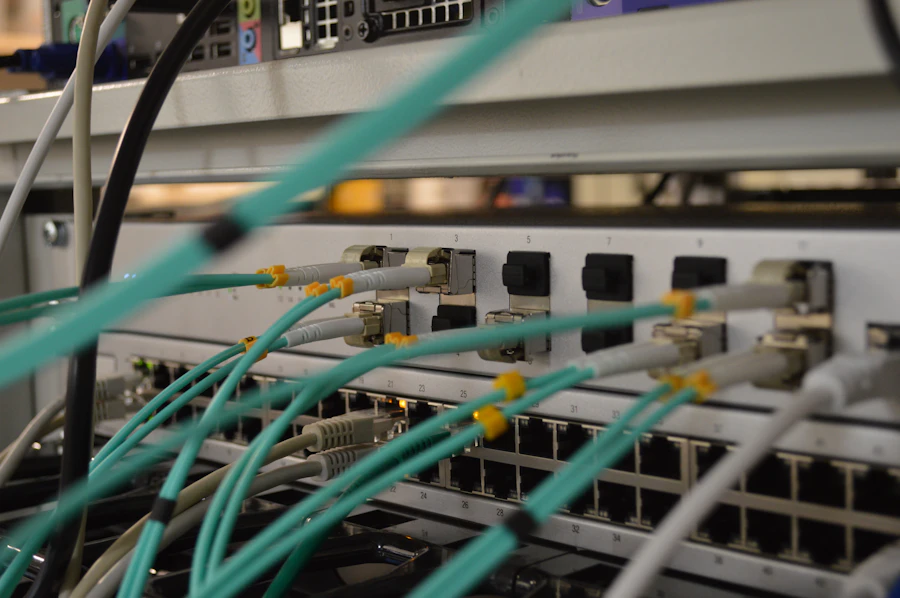
Use fibre where a cable route exists, and point-to-point wireless where it does not. Copper Ethernet is limited to 100 metres per run, and copper between separate buildings can also bring electrical problems, so it is not the right choice for a link across a yard.
Fibre
Fibre covers longer distances than copper and is not affected by electrical interference. It needs a protected route, such as a duct or containment, and usually the landlord's approval. Once installed it gives a stable, high-capacity link.
Point-to-point wireless
A pair of directional radios, one on each building, with a clear line of sight between them. It avoids digging and is quicker to install, but depends on secure mounting, correct alignment and nothing being built or parked in the path. Some sites keep one as a backup to fibre. Either way, both buildings should run as one managed network.
How should equipment cabinets cope with heat and dust?
Keep network equipment out of the open warehouse where you can, in a ventilated room or an enclosed cabinet, and protect it with a UPS. Heat and dust shorten the life of switches, recorders and firewalls, and industrial units have plenty of both.
- Ventilation: give the cabinet airflow or cooling suited to the equipment, and check the operating conditions on each manufacturer's datasheet.
- Dust: use closed cabinets with filtered fans, and clean filters and equipment during maintenance visits.
- UPS power protection: size it to ride through short power cuts and shut equipment down cleanly, and replace batteries as they age.
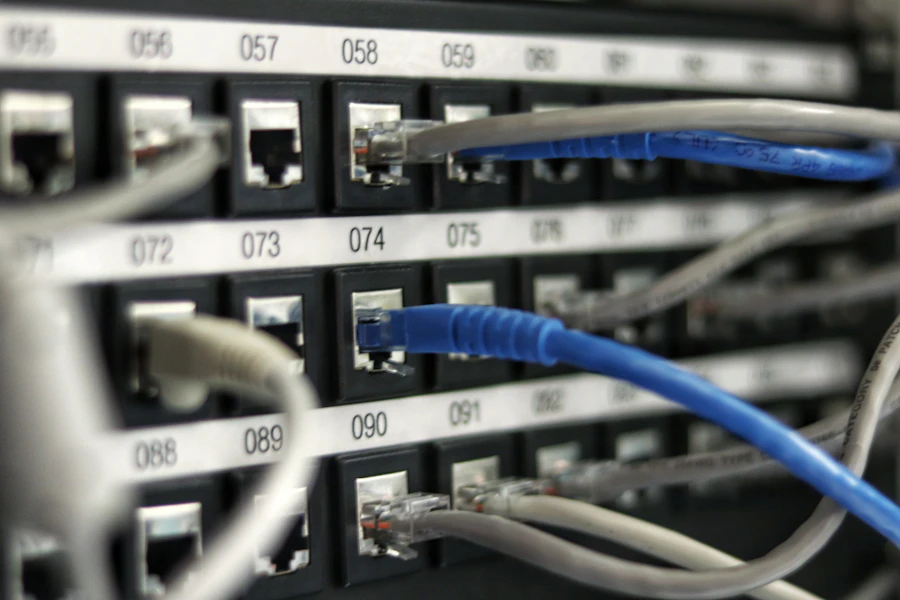
- Tidy cabling: label every cable, dress it neatly and keep the cabinet locked, so faults are quick to trace and nothing is unplugged by accident.
What do showrooms and studios need from the network?
Showrooms need customer Wi-Fi that is kept apart from payment devices and business systems. Studios need wired connections and shared storage that can handle large files.
Showrooms
Give visitors a guest network with internet access only. Put payment and POS devices on their own network and follow your payment provider's requirements. Cable large screens and display systems rather than relying on Wi-Fi, so presentations do not freeze during a customer visit.
Studios
Photo, video and design work moves large files, which is slow and unreliable over Wi-Fi. Cable editing workstations to a capable switch, and store shared projects on a NAS from vendors such as Synology or QNAP. 10GBASE-T over CAT6A to 100 metres suits studios that move the largest files. Keep a separate backup copy of the NAS; our NAS storage and backup service covers both.
What changes when cabling an industrial unit or fit-out?
Cables need containment, protection and planning for future devices. In an operations space, loose cables tied to racking get damaged by forklifts and moved stock.
Run cabling in trays or conduit along walls and ceilings, keep it clear of heavy power cables and machinery, and bring it down to access points and cameras at protected points. During a unit fit-out, agree routes with the contractor and landlord before ceilings and mezzanines are finished, and add spare runs for cameras and access points you will want later. Every run should be tested and recorded on a port map. Our structured cabling service covers design, installation and testing.
How do you support IT when operations cannot stop?
Monitor the network so problems are found before a shift notices them, and plan changes around operations. An access point, camera or building link that drops out should raise an alert, not wait for a complaint.
Useful monitoring covers access points, switches, links between buildings, the CCTV recorder, UPS status and the internet line. Firmware updates and changes should happen outside busy periods, with a way to roll back. Keeping a spare access point or switch on site shortens recovery when hardware fails, and clear documentation lets any engineer find the right cable quickly. Business line options and installation lead times for industrial addresses are published by du and e&.
How should scanners, label printers and handhelds behave on warehouse Wi-Fi?
Handheld scanners are the devices warehouse staff notice first when the network is wrong, because a scanner that drops mid-pick stops the pick. They behave differently from laptops: many are older, some only speak the slower 2.4 GHz band, and all of them move constantly, which means they are handing over between access points dozens of times an hour. Design for the handheld, and the laptops in the office will be fine.
The usual failure is a scanner that clings to the access point where it was last docked and refuses to move to the nearer one as the picker walks the aisle. The fix is in the access point settings rather than in the scanner: a minimum signal threshold that nudges weak clients off, a consistent channel plan, and a dedicated network name for operational devices so their settings can be tuned without touching the staff or guest networks. Some scanner fleets also need the newer roaming standards switched off rather than on, because old radios misbehave with them, which is exactly the kind of thing a survey with the real devices in hand catches.
Label printers and fixed scanners at packing stations should be cabled if the station is fixed, and given reserved addresses if they must be wireless, so the warehouse system always finds them at the same place. Keep charging cradles near the office end of the floor where coverage is strongest, hold a spare device or two configured and charged, and record every device's serial and network address in the asset register so a replacement takes minutes rather than a morning.
- A separate network name for operational devices, tuned for roaming rather than for laptops.
- Access point settings that push weak, sticky clients to the nearer radio.
- Cabled connections for fixed packing stations and label printers; reserved addresses for anything wireless.
- One or two spare handhelds configured and charged, and every device in the asset register.
- A survey walked with the real scanners, not a laptop, before the layout is signed off.
How Listonics helps with warehouse IT and Wi-Fi in Al Quoz
Listonics engineers work on site across the UAE, including Al Quoz, for businesses of roughly 5 to 200 staff. We start with a free site survey of the office and operations space, then provide a fixed-scope, itemised proposal covering access points, VLANs for CCTV, scanners and guests, building links, cabinets, UPS protection and cabling. Our network and Wi-Fi service covers design and installation, and you receive a network diagram, port map and asset register at handover. Under managed IT support, the network is monitored 24/7, critical outages are acknowledged within 10 minutes, and engineers attend on site. To plan your unit, request a free site survey.
Frequently asked questions
Usually, yes. A site survey done with stock on the shelves shows where racking, metal roofs and goods weaken signal. Access points are then placed and cabled to cover the aisles, scanning points and loading areas, and roaming is tested with the scanners staff actually use.
Not always. In a high warehouse, roof-mounted access points can sit too far above scanners at shelf height, with racking blocking the path. Lower positions on columns or aisle ends, or directional antennas aimed along aisles, often work better. The survey decides the positions for your layout.
It is better that they do not. Cameras send video continuously and often receive fewer security updates than office devices. Put cameras, the recorder and access control on their own VLAN, allow only the traffic they need, and use a secure method such as a VPN for remote viewing.
Fibre is usually the more stable choice where a protected cable route and landlord approval are available. Point-to-point wireless suits sites where digging or ducting is impractical, provided there is a clear line of sight and secure mounting on both buildings. Some businesses use wireless as a backup to fibre.
Place it in a ventilated room or an enclosed, filtered cabinet rather than the open warehouse, and check each device's operating conditions on the manufacturer's datasheet. Add a UPS, replace its batteries as they age, and have filters and equipment cleaned during regular maintenance visits.
For workstations that move large photo, video or design files, yes. A cable to a capable switch is faster and more consistent than Wi-Fi, especially when several people open projects at once. Pair wired workstations with a NAS for shared storage and a separate backup copy.
Almost always because the scanner holds on to the access point it started with instead of moving to the closer one, or because the aisles of steel racking block the signal in ways the original layout did not allow for. A survey walked with the actual scanners shows both, and the fix is usually a settings change plus one or two repositioned access points.
Written by Srinivasan Ramachandran, Founder, Listonics · Published Sep 13, 2026 · Last reviewed October 24, 2026 · 2202 words