Al Quoz mixes warehouses, workshops, showrooms and creative studios, often with an office upstairs and operations on the floor below. IT here has to reach beyond the desk: Wi-Fi across large metal-roofed spaces, scanners and cameras on the network, and equipment that has to cope with heat and dust. Listonics designs networks that work in these buildings and supports them on site. Municipal requirements for works in industrial units are published by Dubai Municipality.
Why warehouses and showrooms break office IT
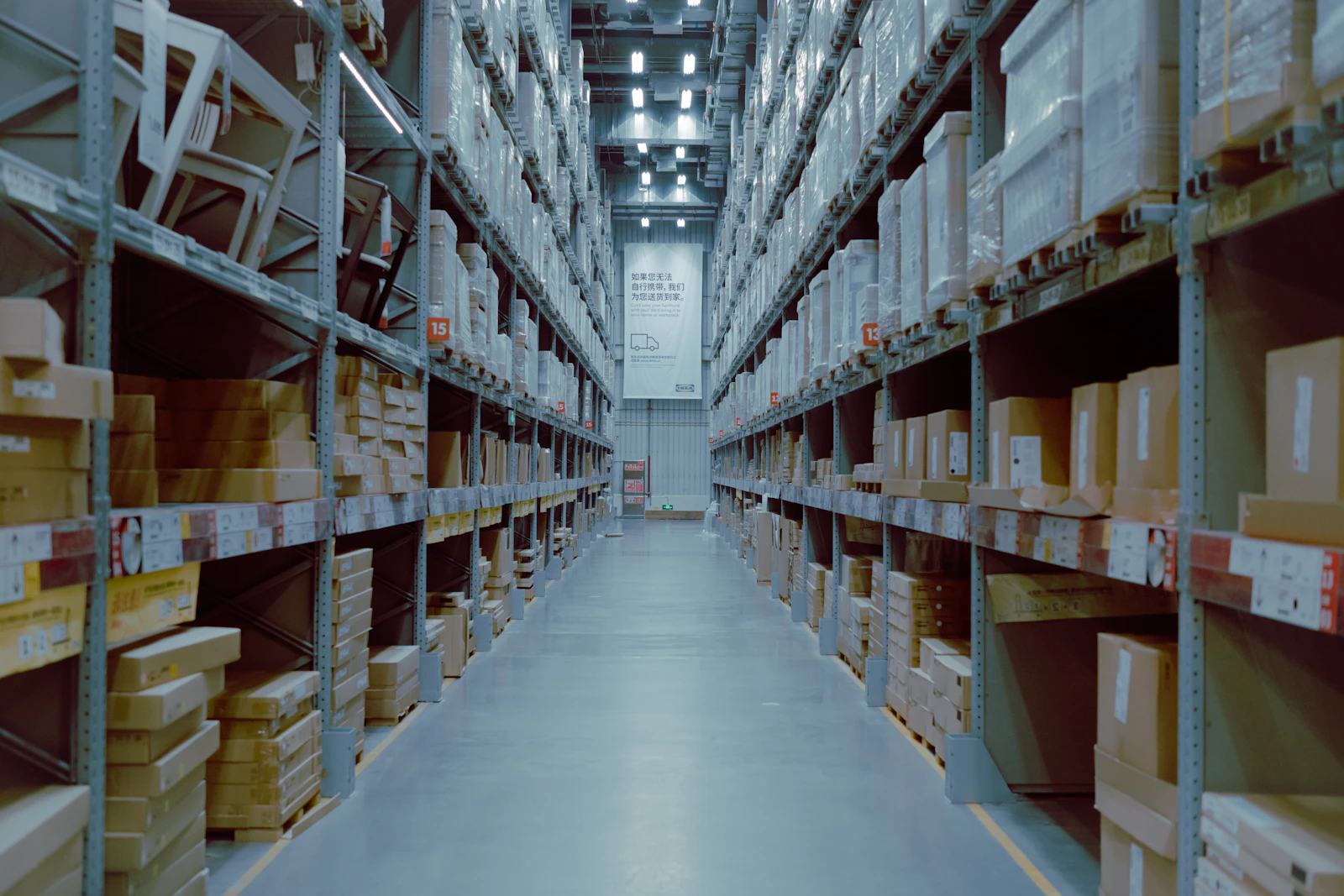
Al Quoz mixes warehouses, workshops, showrooms and creative studios, and the common pattern is an office on a mezzanine with operations on the floor below. That means the network has two very different jobs in one unit: ordinary office work upstairs, and coverage across a large space downstairs where the roof is metal, the racking is steel and the contents change weekly. Wireless behaves quite differently in a full warehouse than in an empty one.
Because of that, coverage here is a survey question rather than a product question. An access point count derived from floor area is usually wrong, because racking blocks and reflects signal in ways a plan cannot show. We survey with the racking in place and design to the layout you actually operate, then re-check after any significant change to the storage arrangement.
The third Al Quoz factor is environment. A switch or a small server in an unventilated store room in a Dubai summer is in a harsher place than anything in an office tower, and equipment installed as though it were in an office fails early. Cabinets, ventilation and power protection are part of the specification, not an upgrade. Operational devices add a security dimension too: scanners, label printers, cameras and access control panels rarely receive updates, which is why the CIS Critical Security Controls treat separating them from staff devices as a baseline rather than an advanced measure.
What an Al Quoz unit needs
- Wi-Fi coverage across warehouses and showrooms, planned from an on-site survey.
- Network links between the office, the warehouse and separate buildings on the same plot.
- Separate networks for CCTV, scanners and guest devices, kept apart from office systems.
- Equipment cabinets and UPS power protection suited to hot, dusty spaces.
- Structured cabling for new units and fit-outs, with monthly support and on-site visits.
What fails in Al Quoz
- Wi-Fi that worked when the warehouse was empty and fails once the racking is full.
- Scanners, label printers and CCTV sharing one flat network with the accounts laptop.
- A switch mounted in an unventilated store room, running hot all summer and failing in the worst week.
- Office and warehouse in separate units with no proper link, so files move on USB sticks.
- Cabling run as a temporary measure during a fit-out years ago and never replaced.
How we work with Al Quoz offices
In Al Quoz the building sets the design, so we survey the unit with the racking and stock in place rather than working from a floor plan. The result is a coverage plan for the mezzanine office and the floor below, a cabinet, ventilation and power specification that suits a hot store room, and a segmentation plan keeping scanners, printers and cameras away from staff laptops. We re-check coverage after any significant change to the storage layout.
What an Al Quoz project costs
An Al Quoz project starts with a site visit, because the building decides the design. The survey produces a coverage plan, a cabinet and power specification and a segmentation plan for operational devices. Projects are quoted as a fixed scope, Listonics projects run from AED 2,500 to AED 30,000 depending on requirement, with a single unit toward the lower end and a warehouse, showroom and office linked together toward the upper. Support is a fixed monthly fee with response times in the agreement; what IT support costs in Dubai explains what changes it.
Running an office in Al Quoz? Read our in-depth guide: Warehouse IT and Wi-Fi in Al Quoz: A Guide for Warehouses, Showrooms and Studios (12 min read).
Frequently asked questions
Usually, yes. A site survey shows where signal drops because of racking, metal roofs and stock, then access points are placed and cabled to cover the working areas.
Yes. Depending on the distance and available routes we use fibre or a point-to-point wireless link, and run both buildings as one managed network.
Yes, but only from a survey taken with the racking in place. Steel shelving and stock absorb and reflect signal, so coverage designed from a floor plan tends to fail exactly where the picking happens. We measure the space as you operate it, design to that, and re-check if the storage layout changes significantly.
Only if it is installed for the conditions. That means a proper cabinet rather than a shelf, ventilation or cooling where the room has none, dust protection, and power protection against the cuts and surges that finish off equipment already running hot. Office-grade installation in a warehouse store room is the most common cause of summer failures we attend.
No. Cameras, scanners, label printers and access control panels are rarely updated and often ship with default credentials, so they belong on their own network segment that cannot reach a staff laptop. The office still sees the footage and the print queues; what changes is that a compromised camera cannot reach your files.
Written by Srinivasan Ramachandran, Founder, Listonics · Last reviewed October 24, 2026