IT Setup for a 50-Person Office in Dubai: Resilience, Scale and Control
At 50 people, every outage is expensive in lost work. How to plan the comms room, redundancy, Wi-Fi, device control and support.
Part of our guide to New Office IT Setup.
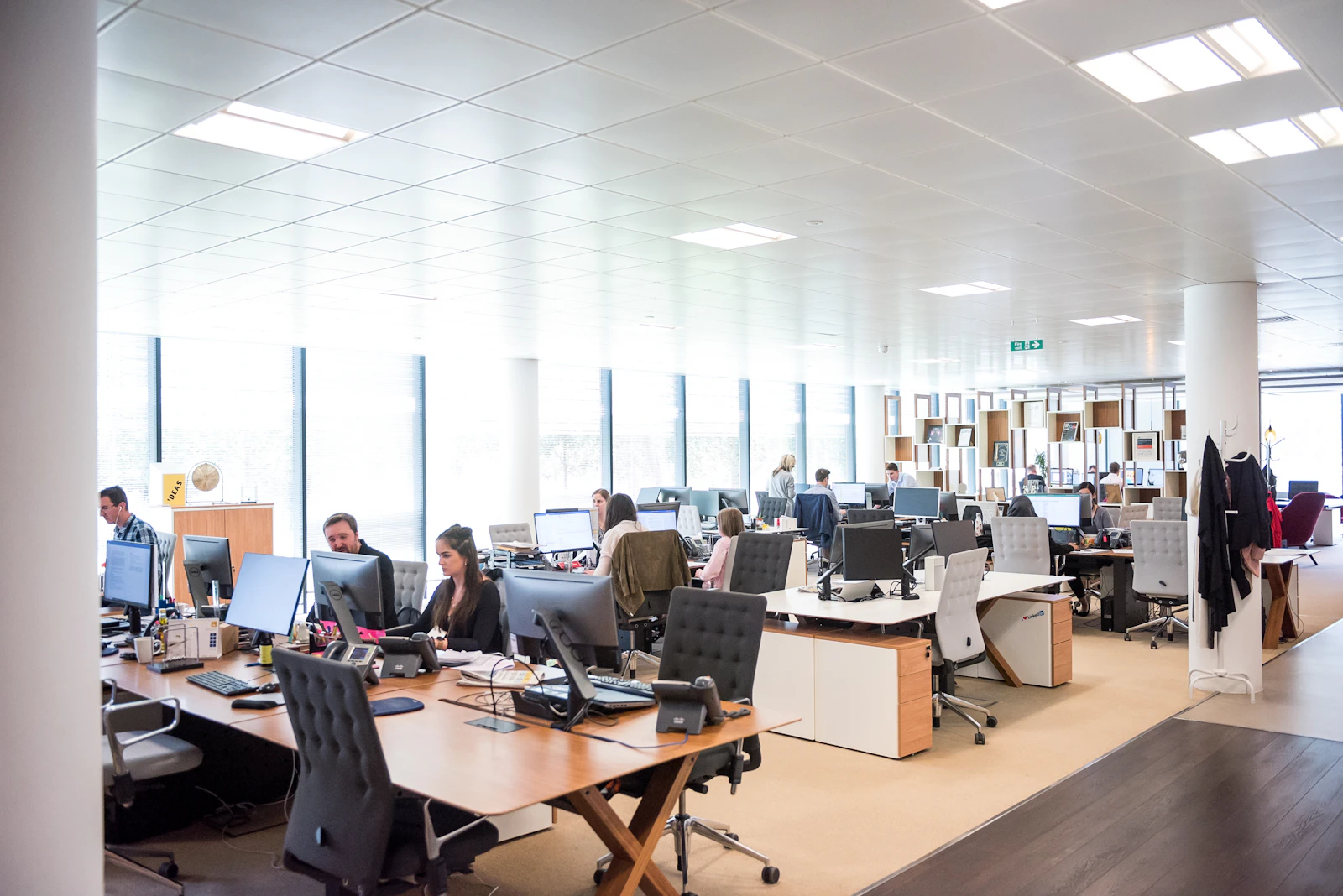
A 50-person office in Dubai needs infrastructure built to keep running when one part fails: a cooled comms room with UPS, stacked switches and a firewall pair with failover, two internet lines, fibre between racks or floors, dense Wi-Fi designed from a survey, Intune device management, regular access reviews, current documentation, monitoring and a managed support plan with written SLAs.
Key takeaways
- At this size the design goal changes from working to continuing to work when a single component fails.
- The comms room needs cooling that runs around the clock, a UPS, access control and temperature alerts, because a Dubai summer weekend can overheat an unattended rack.
- Wi-Fi for 50 people is a capacity problem, not only a coverage problem, so access point numbers must come from a survey and a post-installation check.
- Laptops and accounts need to be managed by policy through Intune and Conditional Access, with access reviewed on a schedule.
- Support should be written down: response targets by severity, monitoring, documentation ownership and regular reviews.
What IT infrastructure does a 50-person office in Dubai need?
A 50-person office needs resilient, documented infrastructure managed by policy rather than by memory. When one switch, firewall or internet line fails, fifty people stop together, so redundancy, monitoring and clear ownership become core requirements.
The table assumes an office spread over two floors. The right-hand column contains planning assumptions, not standards; change them to match your building and hiring plan. Smaller teams should start with the 20-person office IT guide.
| Area | What to plan | Planning assumption (change to suit) |
|---|---|---|
| Data points | Cabled points for desks, printers, access points, meeting rooms, cameras and door access | Assumption: 70 desks planned x 2 points each = 140 desk points, plus extras |
| Comms room | Dedicated room with around-the-clock cooling, UPS, access control and temperature alerts | Assumption: main comms room plus one rack on the second floor |
| Backbone | Fibre links between the comms room and the floor rack | Assumption: two floors, each with its own rack |
| Switching | Stacked PoE switches with uplinks split across stack members | Assumption: one failed switch should not take down a whole floor |
| Firewall and internet | Firewall pair in high availability, two lines from different providers | Assumption: a whole-office outage is not acceptable |
| Wi-Fi | Dense design from a survey, validated after installation | Assumption: open plan, several meeting rooms and a town-hall area |
| Devices | Intune with Windows Autopilot, compliance and update policies | Assumption: company-owned Windows laptops |
| Access | MFA, Conditional Access, role-based groups and access reviews | Assumption: reviews every quarter |
| Backup | Microsoft 365 backup, NAS or cloud backup with an off-site copy | Assumption: restores tested on a schedule |
| Monitoring and documentation | Network, internet, firewall and backup monitoring; documents kept current | Assumption: alerts go to the support provider around the clock |
| Support | Managed plan with written SLAs | Assumption: possibly one internal IT coordinator |
What does a comms room for a 50-person office need?
A dedicated, lockable room with cooling that runs around the clock, a UPS, a dedicated power supply and environmental monitoring. This is the room that stops the whole company if it fails.
Heat is the Dubai-specific risk. A room full of switches, firewalls and a NAS produces constant heat, and building air conditioning may run reduced schedules at night and over the Saturday and Sunday weekend. Specify dedicated cooling in the fit-out drawings, ideally with a second unit or a fallback, and add temperature alerts that reach someone who can act.
Size the UPS to ride through short interruptions and shut equipment down cleanly during a longer one. Control who can enter the room and record who holds access, because an unplugged cable can stop the office as surely as a hardware fault.
How do you remove single points of failure from the network?
Duplicate the parts whose failure would stop everyone: the firewall, the core switching and the internet connection, and link racks with fibre.
Switch stack and firewall failover
Stacked switches are managed as one unit, and splitting access point and uplink connections across stack members means a single failed switch degrades the network rather than stopping it. Two firewalls in a high-availability pair let one take over if the other fails, with both internet lines from du and e& connected so failover covers the line and the hardware.
Fibre backbone between racks and floors
When racks sit on different floors or far apart, link them with fibre. Copper Ethernet channels are limited to 100 m, while fibre supports longer runs and higher speeds between racks. Riser access for fibre usually needs building management approval, so raise it early in the fit-out.
How do you design Wi-Fi for 50 people?
Design for capacity, not just coverage, using a survey of the real floor, then check the result after installation.
Fifty people bring laptops, phones and meeting room devices, often crowded into the same space for a town hall or training session. The number and position of access points depend on the floor layout, concrete cores, glass meeting rooms, how densely people sit, which frequency bands the devices use, and interference from neighbouring offices. There is no reliable per-person rule. A post-installation survey confirms roaming between access points and signal in every room before staff move in. At this density the newer certification generation starts to matter; the Wi-Fi Alliance explains what Wi-Fi CERTIFIED 7 adds.
How do you manage 50 laptops and user accounts?
By policy. At 50 people, devices and access must be configured centrally and checked regularly, because manual setups drift and nobody remembers who has access to what.
- Enrol laptops with Windows Autopilot and Intune so a new device configures itself at first sign-in.
- Apply compliance policies for encryption, updates and endpoint protection, and use Conditional Access to block devices that fall out of compliance.
- Grant access through role-based groups rather than to individuals.
- Run joiner, mover and leaver checklists linked to HR dates.
Access reviews
On a regular schedule, review admin roles, shared mailboxes, SharePoint sites, finance systems and guest accounts, and remove what is no longer needed. Record each review, since clients may ask for evidence in security questionnaires.
Example: a 50-person office across two floors
Example (hypothetical): a 50-person professional services firm leases two floors in a Dubai tower and plans to reach 70 staff. The scope, not the price:
- Survey both floors, agree the comms room and floor rack positions, and secure building approvals for riser access.
- Order two internet lines from different providers.
- Cable 140 desk points on the stated assumption, plus extras, and link the racks with fibre.
- Install the cooled comms room, UPS, switch stack and firewall pair, then test failover.
- Design and validate Wi-Fi, and fit meeting rooms for Teams.
- Configure Intune, Autopilot, Conditional Access and backup, and connect monitoring.
- Hand over documentation and start managed support with written SLAs.
If you are planning for growth beyond 50 people
Design so extra floors, a second site or a move can be added without redesigning the core.
- Leave space in the comms room and fibre capacity for an additional floor rack.
- Choose switches that stack further and a firewall pair with headroom for site-to-site links.
- Keep documentation current, so a relocation or second office starts from an accurate record.
IT setup for 50 employees who are not all in the office every day
Fifty employees rarely means fifty people at desks at once. If part of the team works from home or travels, size the Wi-Fi, switch ports and meeting rooms for the busiest day rather than the headcount, and put the extra effort into Intune, MFA and secure remote access so laptops stay managed wherever they are. The comms room, firewall pair and second line are sized for the business, not for who happens to be in the building.
Comparing sizes
If some teams are still small, the 10-person office IT guide suits satellite offices. The Dubai office IT infrastructure benchmark compares all three sizes.
Should a 50-person office hire IT staff or use managed support?
Often both. An internal IT coordinator can make sense at this size for local requests and vendor contact, but one person cannot cover networking, security, Microsoft 365, round-the-clock monitoring and their own leave. A managed plan behind them fills those gaps.
Whichever model you choose, write it down. A support agreement should state response targets by severity, what is monitored, who owns documentation, how changes are approved and how often service is reviewed.
What happens after go-live?
The work becomes steady operations: monitoring alerts, patching, backup checks, access reviews, joiners and leavers, and updating the network diagram and asset register after every change. Knowing what drives the cost of a new office IT setup helps you compare project and support quotes on the same scope.
How should a 50-person office plan its equipment refresh and IT budget?
At fifty people the IT stops being a set of purchases and becomes a fleet. Fifty laptops bought in the same month will want replacing in the same month, fifty licences renew on the same day, warranties expire together, and the firewall and switches that were new at the fit-out are quietly ageing towards the year when everything needs money at once. The office that plans for this spends less and has fewer bad surprises than the one that reacts to it. Managing a fleet this size centrally is documented in what Intune is.
Start with an asset register that records, for every device, when it was bought, when its warranty ends and when it is due for replacement. Laptops in an office typically give three to five years depending on how they are used, and the useful habit is to replace a slice of the fleet each year rather than all of it in year four: the budget flattens, the newest machines go to the people who need them most, and the older ones cascade to lighter roles or become the spare pool. Keep that spare pool deliberately, a few configured laptops ready to issue, because at fifty people somebody's machine fails most months and a spare turns a lost day into a lost hour.
Network and security equipment runs on a different clock, driven by vendor support dates rather than wear. Note the end-of-support date for the firewall, switches and access points the day they are installed, and plan the replacement for the year before it, not the year after, because unsupported security equipment is a finding on every audit. Line up licence renewals into one or two dates a year so they can be reviewed together, and trim the ones nobody uses. Then write the whole thing down as a rolling three-year view: what is due, roughly when, and what it will take. That document is what turns the annual IT budget conversation from an argument about a surprise into a decision about a plan, and it is the thing to ask for from whoever supports the office.
- An asset register with purchase, warranty and planned replacement dates for every device.
- Replace a slice of the laptop fleet each year; cascade older machines and keep a spare pool.
- Network and security equipment replaced the year before vendor support ends, not after.
- Licence renewals aligned to one or two dates and reviewed together.
- A rolling three-year view that the budget conversation starts from.
How Listonics helps with IT setup for a 50-person office
Listonics delivers 50-person office projects across Dubai as fixed-scope, itemised proposals after a free site survey, covering the comms room, cabling and fibre, switching, firewall failover, Wi-Fi, Intune and Microsoft 365, with a network diagram, asset register, account list and port map at handover. Managed support includes 24/7 monitoring and written response targets: a critical office-wide outage acknowledged within 10 minutes and an engineer on site within 4 hours, a team or key system down acknowledged within 10 minutes with an engineer on site within 4 hours, and single-user issues within 4 hours. See the new office IT setup service or book a free office IT assessment.
Frequently asked questions
Yes. At this size the rack holds the firewalls, switch stack, UPS and often a NAS, and a failure stops the whole company. Plan a lockable room with cooling that runs around the clock, a dedicated power supply, a UPS and temperature alerts, and put it on the fit-out drawings early.
Usually. A single firewall is a single point of failure for internet, remote access and cloud applications. Two firewalls in a high-availability pair let one take over when the other fails or needs maintenance. It works best alongside two internet lines and switches that do not depend on one device.
When racks are on different floors or too far apart for copper. Copper Ethernet channels are limited to 100 m, and fibre links carry higher speeds between comms rooms and floor racks. In Dubai towers, fibre through risers typically needs building management approval, so plan it during fit-out.
There is no reliable per-person rule. The answer comes from a survey that accounts for floor layout, concrete cores, glass walls, how densely people sit, meeting and town-hall spaces, device types and neighbouring interference. A validation survey after installation confirms coverage and roaming before staff arrive.
Response targets for each severity level, from office-wide outages to single-user issues, what is monitored and when, on-site response expectations, who maintains documentation, how changes are approved and how often the service is reviewed. Ask how targets are measured and reported, not just what they are.
It depends on the building, the number of floors and the fit-out programme rather than headcount alone. Riser access, building approvals, dedicated cooling and internet line installation all affect timing. A site survey early in the fit-out sets a realistic plan, with cabling installed while ceilings are open.
Plan on three to five years per machine depending on the role, and replace a portion of the fleet every year rather than everything at once. That flattens the budget, gets the newest machines to the people who need them, and keeps a pool of older but working laptops as spares for the failures that happen most months at this size.
In the year before the vendor's support for them ends, which should be recorded in the asset register the day they are installed. Network and security equipment ages on support dates rather than wear, and unsupported equipment is a finding on every audit and insurance questionnaire.
Written by Srinivasan Ramachandran, Founder, Listonics · Published Sep 14, 2026 · Last reviewed October 24, 2026 · 2260 words