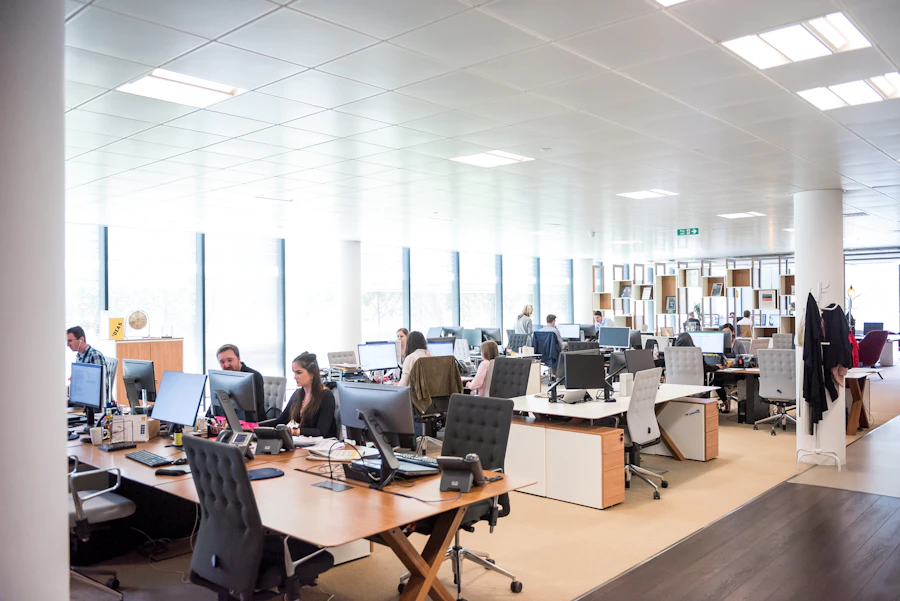
IT Setup for a 20-Person Office in Dubai: Planning the Step Up
At 20 people, office IT stops being a side job. What to build: rack, cabling, VLANs, meeting rooms, failover and support.
Part of our guide to New Office IT Setup.
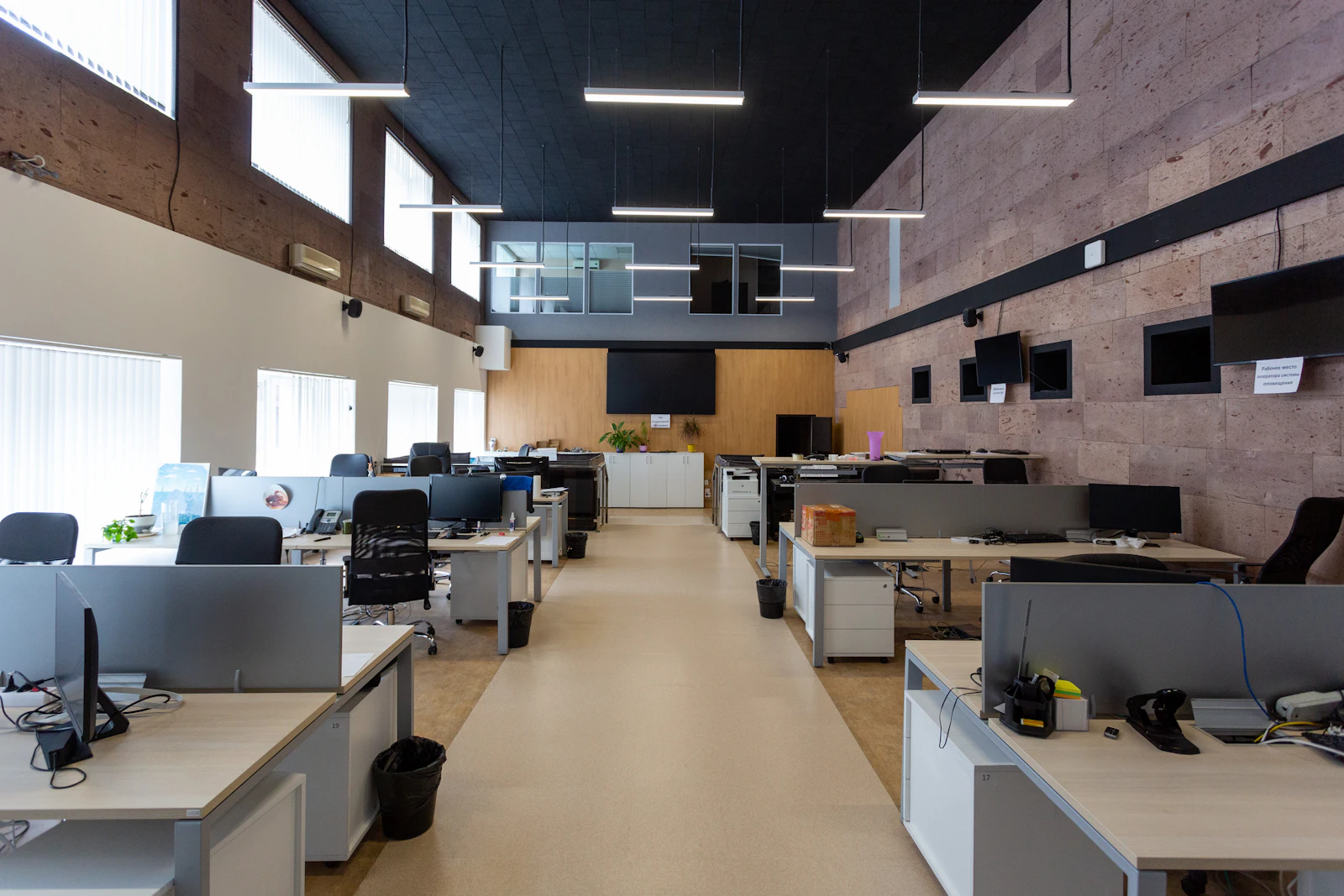
A 20-person office in Dubai needs a proper rack in a ventilated comms space, structured cabling with spare capacity, separate VLANs for staff, guests and devices, a second internet line with automatic failover, equipped meeting rooms, networked printers, a repeatable onboarding process, NAS or cloud backup, and a formal support plan instead of ad hoc help.
Key takeaways
- Twenty people is where informal IT breaks: the colleague who is good with computers can no longer absorb the requests.
- Cable for the headcount you plan to reach, not the one moving in, and terminate every point in a proper rack.
- Separate VLANs keep guests, printers, screens and cameras away from staff laptops and company data.
- A second internet line with automatic failover is worth planning at this size, because a lost connection now stops a whole team.
- Onboarding at hiring pace needs a standard laptop build, account template and checklist, not a fresh improvisation each time.
What IT infrastructure does a 20-person office in Dubai need?
A 20-person office needs everything a small office has, plus structure: a real comms space, segmented networks, a backup internet line, proper meeting rooms and a written support plan. The step from 10 to 20 people is less about more equipment and more about things that were optional becoming necessary.
The table lists a typical scope. The right-hand column shows planning assumptions, not standards, so replace them with your own numbers. If you are smaller today, the 10-person office IT guide covers the cloud-first starting point.
| Area | What to plan | Planning assumption (change to suit) |
|---|---|---|
| Data points | Cabled points for desks, printers, access points, screens and door access | Assumption: 30 desks planned x 2 points each = 60 desk points, plus extras |
| Comms space | Floor-standing rack in a ventilated, lockable room with dedicated power and UPS | Assumption: no servers, space reserved for a NAS |
| Switching | PoE switches with every point patched and spare ports | Assumption: one rack serves the whole floor |
| Network segments | VLANs for staff, guests and devices | Assumption: printers, screens and cameras share a device VLAN |
| Internet | Two lines on a dual-WAN firewall with automatic failover | Assumption: a lost connection stops billable work |
| Wi-Fi | Business access points placed from a survey | Assumption: open plan with glass-walled meeting rooms |
| Meeting rooms | Screen, camera, microphone and speaker on wired points | Assumption: two rooms using Microsoft Teams |
| Printers | Networked multifunction printers with scan to email or SharePoint | Assumption: two printers |
| Accounts and devices | Microsoft 365 with MFA, Intune-managed laptops from a standard build | Assumption: a new starter most months |
| Backup | Microsoft 365 backup plus NAS or cloud backup for other data | Assumption: some large files kept locally |
| Support | A formal plan with defined response targets | Assumption: no in-house IT staff |
Why does a 20-person office need a proper rack and structured cabling?
Because the number of cables, switches and devices has outgrown a wall cabinet, and untidy cabling at this size turns every change into guesswork.
Plan a floor-standing rack in a lockable room or a dedicated corner with ventilation, a dedicated power circuit and a UPS. Keep it away from sun-facing glass and pantries, and confirm the space stays cool when building air conditioning runs reduced hours over the weekend. Reserve rack space for a NAS and a second firewall or switch later. Synology sets out what each RAID level does and does not protect in its RAID guide.
Every run should end on a labelled patch panel and be tested before ceilings close. Pull spare points during fit-out, because adding cables to an occupied floor in a Dubai tower means building management approval, out-of-hours work and ceiling tiles over desks. Our structured cabling service covers containment, termination and test results.
Why split the network into VLANs for staff, guests and devices?
VLANs stop a visitor's phone, a printer with old firmware or a meeting room screen from sitting on the same network as finance laptops. At 20 people, with more visitors and more connected devices, one flat network is an avoidable risk.
- Staff VLAN: company laptops, with access to internal resources such as a NAS.
- Guest VLAN: internet only, isolated from everything else, on its own Wi-Fi name.
- Device VLAN: printers, meeting room equipment, door access and cameras, reachable only where needed.
- Firewall rules between VLANs, documented so the next engineer understands them.
Meeting rooms and printers
Meeting rooms now carry client calls, so give each one a wired point for the video equipment, power and data at the table, and test a real Teams call before handover. Put printers on wired points in the device VLAN, set up scan to email or SharePoint, and confirm staff on Wi-Fi can still find them across the VLAN boundary.
How do you keep a 20-person office working when something fails?
Plan for the two failures that hurt most: the internet line dropping and data being lost or encrypted.
A second internet line
Order a second fixed line alongside the primary, ideally from the other provider where the building has both du and e&, and connect both to a firewall that fails over automatically. Test failover by unplugging the primary before go-live. If the second line is delayed, a 4G or 5G router can cover the gap.
NAS or cloud backup
Microsoft 365 data still needs its own backup. For local data such as large project files or an accounting database, a NAS gives fast local access and restores, but it needs a copy off site too. A NAS should be sized for current data plus growth, and backups proven by test restores, not assumed.
How do you onboard new staff at hiring pace?
Make onboarding a repeatable process with a checklist, not a scramble on the new starter's first morning.
Define a standard laptop build per role and enrol devices in Intune so settings and apps arrive when the user signs in. Keep an account template covering licence, groups, shared mailboxes, Teams channels and printer access. HR or the office manager should give IT notice of each start date, and leavers should follow a matching offboarding checklist so accounts are disabled and devices recovered.
Example: a 20-person office on a fitted floor
Example (hypothetical): a 20-person trading and services company takes a shell-and-core floor in a Dubai tower, with two meeting rooms and plans to reach 30 staff. The scope, not the price:
- Survey the floor, agree the comms room position with the fit-out contractor and apply for building approvals.
- Order two internet lines, one from each provider serving the building.
- Cable 60 desk points on the two-per-desk assumption, plus printers, screens and access points, all tested.
- Install the rack, UPS, dual-WAN firewall and PoE switches, with staff, guest and device VLANs.
- Fit both meeting rooms for Teams calls and connect two printers.
- Build laptops from a standard image, set up Microsoft 365 with MFA, and configure backup.
- Start a support plan on go-live day, with documentation handed over.
If you are planning for growth, what should a 20-person office build in?
Build so the next ten or twenty hires need configuration, not construction.
- Spare rack space, switch ports and data points for the planned headcount.
- A firewall with headroom for more users, VPN connections and a future second site.
- Documented VLANs and naming, so additions follow the same pattern.
- A Microsoft 365 structure of groups and SharePoint sites that scales beyond one team.
IT setup for 20 to 25 employees: the same design with headroom
If the headcount is 22 or 25 rather than exactly 20, nothing in this guide changes. The rack, VLANs, second internet line and support plan are sized for the step up from a small office, and the design above carries 25 people on the spare switch ports, data points and licences already built in. Order a few more laptops and data points, and the plan is otherwise the same.
Where this leads
Past this stage, requirements shift towards cooling, redundancy and management at scale, covered in the 50-person office IT guide. The Dubai office IT infrastructure benchmark sets the three sizes side by side.
Should a 20-person office hire IT staff or outsource support?
Most offices this size are better served by a formal outsourced support plan than a first IT hire, because the work spans networking, security, Microsoft 365 and hardware, and one person cannot cover leave or every skill.
What usually happens instead is worse than either option: an office manager or finance lead becomes the unofficial IT person, and their real job suffers. A support plan with a fixed monthly fee per user or per device, defined response targets and a helpdesk staff can contact directly moves that load off them.
What happens after go-live?
A support plan should cover monitoring, updates, joiners and leavers, backup checks and changes as the team grows, with documentation kept current. Before signing, understand what drives the cost of a new office IT setup so project and support quotes compare on equal scope.
What should the first ninety days after go-live look like for a 20-person office?
Go-live is the moment the IT starts being used rather than built, and the first three months are where a good setup becomes a good office. Treat them as a phase with its own plan rather than as the end of the project, because this is where the snags surface, the habits form, and the documentation either gets finished or never does.
The first two weeks are hypercare: an engineer available quickly, ideally on site for the first few days, working a snag list rather than waiting for tickets. Expect docking stations that need a different cable, a printer that needs a driver on three laptops, a meeting room that works for everyone except the one person who presents most, a Wi-Fi dead spot behind the one wall the survey did not cover. None are serious; all are fixed faster with someone present. Close the snag list in writing, so both sides agree what was outstanding and what is done.
Weeks three to eight are where the office settles. Monitoring has enough history to show what normal looks like, so the alerts stop being noise. The first scheduled patch cycle runs. The first backup restore test is done and recorded, which is the single most important item in the whole period, because it proves the backup rather than assumes it. Staff are shown the things nobody reads a guide about: how to book the room, how to release a print job, where the shared files live. By the end of the third month the documentation should match the office as built, including every change made during hypercare, an access review should confirm who holds which admin account, and the support arrangement that follows should be running in its normal rhythm. That is the point at which the project is actually finished.
- Weeks one and two: hypercare with an engineer present, working a written snag list.
- Weeks three to eight: monitoring baselined, first patch cycle, first recorded restore test.
- Staff walked through the things nobody reads a guide for.
- Documentation updated to match the office as built, including hypercare changes.
- An access review and the normal support rhythm running by the end of month three.
How Listonics helps with IT setup for a 20-person office
Listonics plans and builds 20-person offices across Dubai as one fixed-scope, itemised project, starting with a free site survey. The scope typically covers the comms space and rack, structured cabling, firewall with failover, VLANs, surveyed Wi-Fi, meeting rooms, printers, Microsoft 365 and laptops, with a network diagram, asset register, account list and port map at handover. Most of the work runs in parallel with the fit-out. Managed support can start at go-live on a fixed monthly fee per user or per device. See the new office IT setup service or book a free office IT assessment. Access point capacity is planned against the current certification generation described by the Wi-Fi Alliance.
Offices in Business Bay bring their own wrinkles, mostly around tower risers and building-supplied connectivity, which the Business Bay office IT guide covers.
Frequently asked questions
It needs a dedicated, lockable space for a floor-standing rack, with ventilation, a dedicated power circuit and a UPS. It does not have to be a large server room. What matters is that the space stays cool around the clock, including when building air conditioning runs reduced hours over the weekend.
A VLAN is a logically separate network running over the same switches and cabling. A 20-person office should use at least separate VLANs for staff, guests and devices such as printers and meeting room screens, with firewall rules between them, so a compromised guest or device cannot reach company laptops.
Where the building allows it, yes. Lines from du and e& on separate paths are less likely to fail together than two lines from one provider. Connect both to a firewall with automatic failover and test it before go-live. Building management can confirm which providers already serve the tower.
Only if there is data that should live locally, such as large project files, scanned archives or an accounting database. If everything is in Microsoft 365, cloud backup of mail and files may be enough. If you do add a NAS, size it for growth and keep a copy of its data off site.
Work from assumptions you can change. For example, if you plan for 30 desks at two points each, that is 60 desk points, plus points for printers, access points, meeting room equipment and door access. A survey of the floor plan confirms the final count and where spare points belong.
When IT requests start pulling someone away from their actual job, which often happens well before 20 people. Signs include repeated Wi-Fi complaints, rushed laptop setups for new starters, nobody knowing admin passwords and no one checking backups. A formal plan puts response targets and responsibility in writing.
It depends on how much of the list above is already in place. Listonics projects run from AED 2,500 to AED 30,000 depending on requirement, and a 20-person office starting from an empty floor with cabling, network, Wi-Fi, devices and Microsoft 365 sits in the upper part of that range. A survey turns it into an itemised, fixed-scope quote.
The first couple of weeks after go-live, when an engineer is available quickly, usually on site at first, to work through a snag list rather than wait for tickets. It is where the small personal problems get fixed in minutes instead of days, and it ends with a written agreement that the list is closed.
Written by Srinivasan Ramachandran, Founder, Listonics · Published Sep 14, 2026 · Last reviewed October 24, 2026 · 2289 words