Using ChatGPT at work safely: an AI policy for small UAE businesses
Your staff are already using ChatGPT. A one-page policy decides what they may paste, which accounts they use and who checks the output.
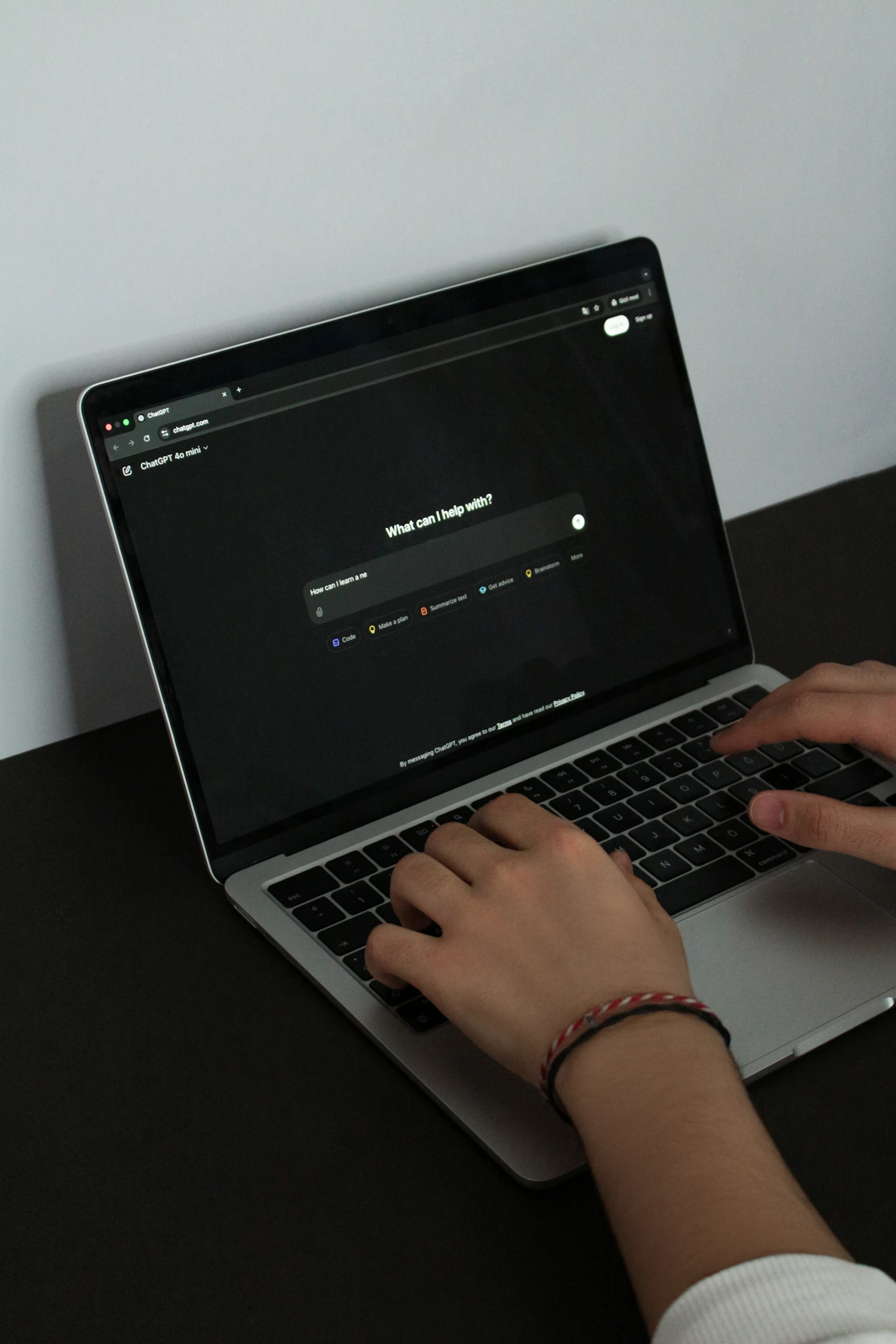
A workplace AI policy tells staff which AI tools they may use, what they must never paste in, and who checks the results. For a small UAE business it can fit on one page: approved work accounts only, no client personal data, contracts or passwords in prompts, a person checks every output before it leaves the company, and UAE data protection law still applies.
Key takeaways
- Assume staff already use AI chat tools; a short written policy is better than a ban nobody follows.
- The biggest risk is what goes in: client personal data, contracts, financials and passwords should never be pasted into a personal account.
- Business and enterprise tiers of AI tools give the company control and contractual data commitments that free personal accounts do not.
- Microsoft 365 Copilot Chat, used with a work account, keeps AI use inside the Microsoft 365 tenant many UAE businesses already pay for.
- Every AI output is a draft: a named person checks facts, figures and tone before anything goes to a client.
Why does a small business need an AI policy at all?
Because staff are already using AI chat tools at work, usually on personal accounts, and the company has no say over what they paste in. A salesperson drafts a proposal by pasting last year's contract. An accounts assistant summarises a spreadsheet of customer balances. Nobody meant harm, but company and client information has now gone to a service the business has no agreement with.
Banning AI rarely works. It pushes use onto personal phones where nobody can see it. A short policy does better: it names the approved tools, draws a clear line around sensitive data, and makes one person responsible for checking what comes out. For most small UAE businesses that is one page, written in plain language, and signed by every member of staff.
What should staff never paste into an AI tool?
Anything that would cause harm if it appeared in someone else's hands. The simplest rule for staff is this: if you would not email it to a stranger, do not paste it into a chat tool, and never into a personal account. The list below covers what usually matters to a small business.
- Client personal data: names with phone numbers, Emirates ID or passport numbers, addresses, health details, salaries.
- Contracts, quotations, tenders and anything under a non-disclosure agreement.
- Financial records: bank details, customer balances, payroll, unpublished accounts.
- Passwords, recovery codes, API keys, Wi-Fi keys and anything that opens a system.
- Internal matters about staff: disciplinary notes, performance reviews, medical leave.
- Source code or technical designs the company owns, unless the tool has been approved for that use.
What staff can safely do covers most of the value: rewording their own text, drafting a general email, explaining a concept, outlining a presentation, or summarising a public document. Where real client details are needed, replace them with placeholders such as Client A before pasting.
Approved work accounts or personal accounts: what is the difference?
The difference is who controls the account and what the provider has promised about your data. A free personal account belongs to the employee. The company cannot see what was shared, cannot remove access when someone leaves, and has no contract with the provider. Depending on the service and its settings, conversations on consumer accounts may also be used to improve the provider's models.
Business and enterprise tiers of the main AI tools are built for companies. In general they give an admin console, single sign-on with the company's existing accounts, the ability to remove a leaver's access, and contractual commitments on how business data is handled, typically including that it is not used for model training by default. The exact terms differ between providers and plans and change often, so read the current terms for the plan you are buying rather than relying on a blog post, this one included.
For the policy, the rule is short: work tasks happen only in tools the company has approved and signed staff into with their work account. Personal AI accounts are not used for anything involving company or client information.
Is Microsoft 365 Copilot Chat a sensible option?
For many UAE businesses already on Microsoft 365, yes, because it keeps AI use inside the tenant they already manage. Microsoft's Copilot overview explains that Copilot Chat, used with a work account, works with web data, while the paid Microsoft 365 Copilot licence also draws on work data such as email, chats and files the user already has permission to see.
Microsoft's page on data, privacy and security for Microsoft 365 Copilot states that prompts, responses and data accessed through Microsoft Graph are not used to train the foundation models, and that Copilot sits within Microsoft's existing commercial privacy and compliance commitments. That gives a business something concrete to point to, rather than hoping a free account behaves.
The full Copilot licence brings its own risk: it can surface any file a user can technically open, including ones that were overshared years ago. That is why a permissions review comes first, as covered in our post on fixing SharePoint oversharing before Copilot. Our Microsoft 365 Copilot setup service covers licensing, that readiness work, rollout and staff training.
How should staff check what AI produces?
By treating every output as a draft written by a confident new starter who has never met your clients. AI chat tools write fluently and can be wrong in ways that look right: invented figures, laws that do not say what the answer claims, references that do not exist, and calculations that are slightly off. The OWASP list of risks for large language model applications names misinformation as one of its top ten for exactly this reason.
Make checking a named step, not a hope. The person who sends the output owns it. Facts, figures, dates and legal or regulatory statements are checked against the original source. Anything going to a client, a regulator or a bank is read in full by a person before it leaves. Translations between English and Arabic are checked by a fluent speaker, because tone and formality matter in the UAE as much as accuracy.
What is prompt injection, and why should a small business care?
Prompt injection is when instructions hidden in a document, email or web page take over an AI tool that reads it. The OWASP Top 10 for large language model applications lists it first. A supplier's PDF might contain hidden text telling the assistant to recommend that supplier, or an email might instruct an AI helper to forward the inbox somewhere.
The risk grows as AI tools are given access to email, files and the ability to act, not just chat. For a small business, the practical defences are modest. Be wary of asking an AI tool to process documents from unknown senders. Do not give AI assistants permission to send, pay or delete without a person approving each action. Keep the accounts the AI tool can reach protected with multi-factor authentication. And report anything odd, such as an answer that suddenly pushes a particular link or product. Our cybersecurity service includes reviewing which apps and assistants have access to company data.
How does UAE data protection law apply to AI use?
The same way it applies to any other handling of personal data: pasting a client's details into an AI tool is processing that data. The UAE government's data protection page summarises the Personal Data Protection Law, Federal Decree Law No. 45 of 2021, including companies' duties to keep personal data secure and confidential, people's rights over their data, and rules on transferring it outside the country. Many AI services process data abroad, so that last point matters.
Businesses in free zones such as DIFC follow their own data protection regime, and regulated sectors such as health and finance often have extra rules. This post is practical guidance, not legal advice. If your business handles sensitive personal data at scale, have a lawyer review the policy.
For a wider framework, the NIST AI Risk Management Framework is a voluntary guide to managing risks from AI systems. It is written for organisations of any size, and a small business can borrow its basic habit: know which AI tools you use, what they touch, and who is accountable.
A sample one-page AI policy for a small UAE business
Adapt this to your business, have staff read and sign it, and review it every six months, since the tools change quickly. It is a starting point, not legal advice.
- Approved tools: staff may use only the AI tools listed by the company, signed in with their work account. Personal AI accounts are not used for company work.
- Never paste in: client or staff personal data, contracts, quotations, financial records, passwords or access codes, or anything under a confidentiality agreement.
- Use placeholders: replace names and identifying details before asking for help with a real document.
- Check everything: a named person reads and checks every AI output before it goes to a client, supplier, bank or regulator. The sender is responsible for its accuracy.
- No automatic actions: AI tools may not send emails, make payments, delete files or change settings without a person approving each action.
- Be careful with unknown documents: do not feed files or links from unknown senders into AI tools, and report odd behaviour to the policy owner.
- Be open: say when AI helped produce client-facing work if the client asks or the contract requires it.
- Leavers: AI tool access is removed with the rest of their accounts on their last day.
- Owner: one named person keeps the tool list, answers questions and reviews this policy.
If you want help choosing approved tools, setting up work sign-in and turning this into a policy that matches how your team works, our Microsoft 365 and cloud service covers the setup. Projects are quoted after a short call and typically fall between AED 2,500 and AED 30,000 depending on the work involved.
Frequently asked questions
Usually not. A ban tends to push use onto personal phones where the company cannot see it. A short policy that names approved tools, rules out sensitive data and requires a person to check every output gives you more control. Some roles handling very sensitive data may need tighter limits than others.
It is fine for general tasks with no company or client information, such as rewording your own text. For anything involving business data, use a business or enterprise tier, or a tool such as Microsoft 365 Copilot Chat with a work account, where the company controls access and the provider has made contractual data commitments.
Microsoft states that prompts, responses and data accessed through Microsoft Graph are not used to train the foundation models used by Microsoft 365 Copilot, and that it falls within its existing commercial privacy commitments. Check Microsoft's current documentation for your plan, as terms and features change regularly.
Only into an approved work tool, and preferably with names, phone numbers and other identifying details removed first. Client emails often contain personal data, which UAE data protection law protects. Never paste them into a personal AI account, and always read the drafted reply before sending.
For most, it is staff pasting sensitive information into personal accounts the company does not control. The second is trusting outputs without checking them, which leads to wrong figures or claims reaching clients. Prompt injection matters more as AI tools gain access to email and files.
Every six months is a sensible rhythm, and sooner whenever you adopt a new AI tool or give an existing one access to more company data. AI products change their features and terms often, so the list of approved tools needs a named owner who keeps it current.
Written by Srinivasan Ramachandran, Founder, Listonics · Published Nov 06, 2026 · Last reviewed November 6, 2026 · 1883 words