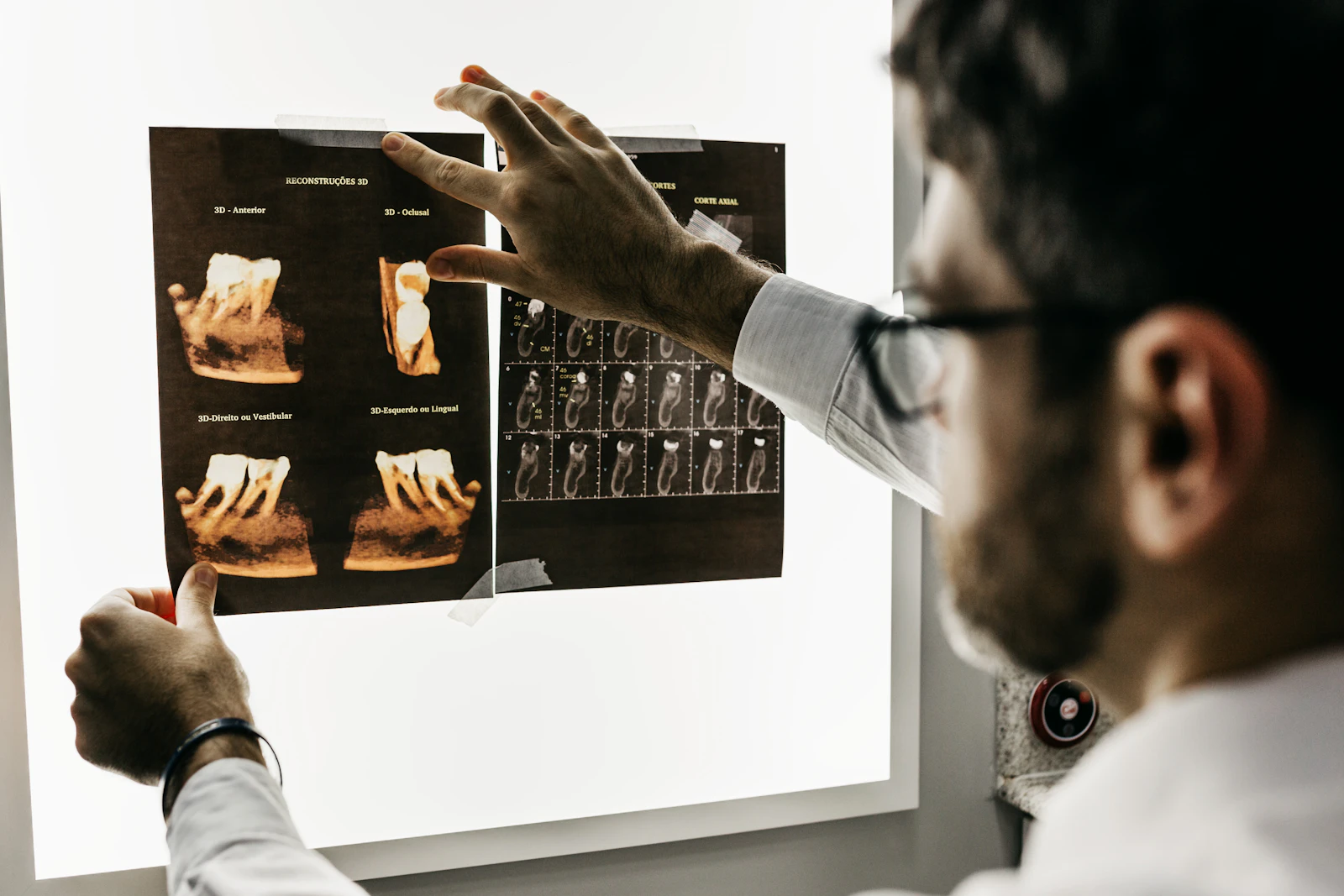
A Dubai dental clinic handles bookings, cancellations, rescheduling and reminders alongside busy reception work, with communications often kept separate from the appointment system. We would connect the two, so reminders are based on the current booking, a cancelled or moved appointment updates any pending message, and delivery failures are logged, keeping patient data protected throughout.
The admin behind the front desk
At a busy dental clinic, reception handles bookings, cancellations, rescheduling and reminders, all while greeting patients and answering the phone. The clinic usually has a practice management system for appointments, but reminders go out through a separate tool, by hand.
The result is extra work and a real risk of error. A reminder goes out for an appointment that was moved yesterday. A patient is chased for a slot they already cancelled. None of it is dangerous, but it eats reception's time and it makes the clinic look disorganised to the patient.
What we would look at first
We would map the whole life of an appointment: how it is booked, confirmed, cancelled, rescheduled and attended. Then we would check what the clinic's existing practice management system can already do. Many of them support automated reminders, and the question is whether that is switched on and whether the system can connect to a messaging service cleanly.
The honest first answer is often that the clinic already pays for a tool that can do most of this, and it just needs setting up. We would say so before proposing anything new to buy.
The solution we would build
The aim is reminders that always match the current booking, with no message sent by hand. We would either configure the existing system, or build an integration that sends reminders based on the live appointment record. Where the system supports it, we would use event-driven updates, so a cancelled or moved appointment updates any pending message automatically.
The small details are what make it reliable. We would log every delivery and every failure, so the clinic can see what went out, and add safeguards so the same patient is not messaged twice. Patient information would stay protected, and the message content would be kept to only what is needed. This kind of integration sits inside the clinic's wider setup, which is covered on our IT for dental clinics page.
| Area | What it does |
|---|---|
| Reminder and cancellation workflow | Messages built from the live appointment record |
| Scheduling integration or API | The reminders tool talks to the practice management system |
| Event-driven updates | A cancelled or moved booking updates pending messages |
| Notification logs and exception reports | A record of what was sent, and what failed |
| Patient data protection | Access and message content limited to what is needed |
How we would measure success
We would agree the numbers to watch before starting, and compare them before and after.
- The number of missed appointments.
- The share of reminders that are actually delivered.
- The reception time spent on confirmations and chasing.
- Booking errors, such as a reminder for a slot that changed.
An important note on patient data
Clinical systems, patient records and any integration with them must be checked against the UAE healthcare rules that apply before anything goes live. This worked example is about taking admin off reception, not about replacing a clinical or practice management system, and we would keep clinical data handling firmly inside what the regulator and the clinic's own policies allow. The security side follows the same approach as our cybersecurity service.
Who would build it, and how to start
The work would sit across our custom software and CRM and managed IT support services, with one team that also handles the clinic's devices, accounts and backup. That keeps the integration inside a setup that is already secured and supported, rather than a separate tool nobody owns.
If this is close to your clinic, the real version starts with a look at your current system and how your reminders work today. Tell us how your clinic books and reminds patients, and an engineer will check what your system can already do and tell you honestly whether to switch it on or build an integration.
Frequently asked questions
Often your current practice management system can already send automated reminders, and it just needs setting up and connecting to a messaging service. We check that first. We would only suggest building an integration when the system you have cannot do it cleanly, so you are not paying for something you do not need.
That is the main thing we design for. Where the system supports event-driven updates, a cancelled or moved appointment updates any pending reminder on its own, so the patient does not get a message about a slot that changed. Where it does not, we build the check into the workflow so an out-of-date reminder is not sent.
Yes. Access is limited to the people who need it, message content is kept to only what is necessary, and every send and failure is logged. Clinical systems and any integration with them are checked against the UAE healthcare rules that apply before anything goes live, so patient data handling stays within what the regulator allows.
No. This is about taking repetitive admin off reception, not replacing the clinical or practice management system. We work with the system you already use, connect it to reminders safely, and leave the clinical records where they belong.
We agree the numbers to watch before starting, then compare before and after: missed appointments, how many reminders are actually delivered, the reception time spent confirming and chasing, and booking errors such as a reminder for a slot that changed. If those do not move, the project has not done its job.
Written by Srinivasan Ramachandran, Founder, Listonics · Last reviewed October 28, 2026