IT support for a construction company in Dubai has to cover a permanent head office and a changing set of temporary site offices. That means connecting site cabins over 4G or 5G with secure access to head-office systems, moving large drawing and model files quickly, controlling staff and subcontractor accounts, backing up project data, and opening or closing a site office without delay.
Proof, not promises
Real reviews from Trustpilot and Google, word for word. Google rating 5.0 from 5 reviews, checked 2026-10-17.
Best team I’ve ever hired. All in one place.
As a construction company, we have a lot to manage, so finding one team that can handle our IT and digital requirements has been really helpful. Listonics has supported us with office networking, cybersecurity, website development and SEO. Their team knows what they’re doing and has been easy to work with. We no longer need to coordinate with different companies for every requirement, which saves us time and effort. Overall, it’s been a good experience, and we’re happy to have them supporting our business.
We needed a custom ERP and HR system…
We needed a custom ERP and HR system for our business, along with a new website, and Listonics helped us with all three. The team was approachable, listened to what we wanted and made the process easier than we expected. We could discuss changes directly with them, which made a big difference. It was also convenient having one team handle everything instead of dealing with multiple companies. Overall, we’re happy with how things turned out and glad we chose them.
Listonics projects run from AED 2,500 to AED 30,000 as a fixed scope; support is a fixed monthly fee with response times written into the agreement. The IT support cost guide and managed IT pricing guide set out how the numbers are built.
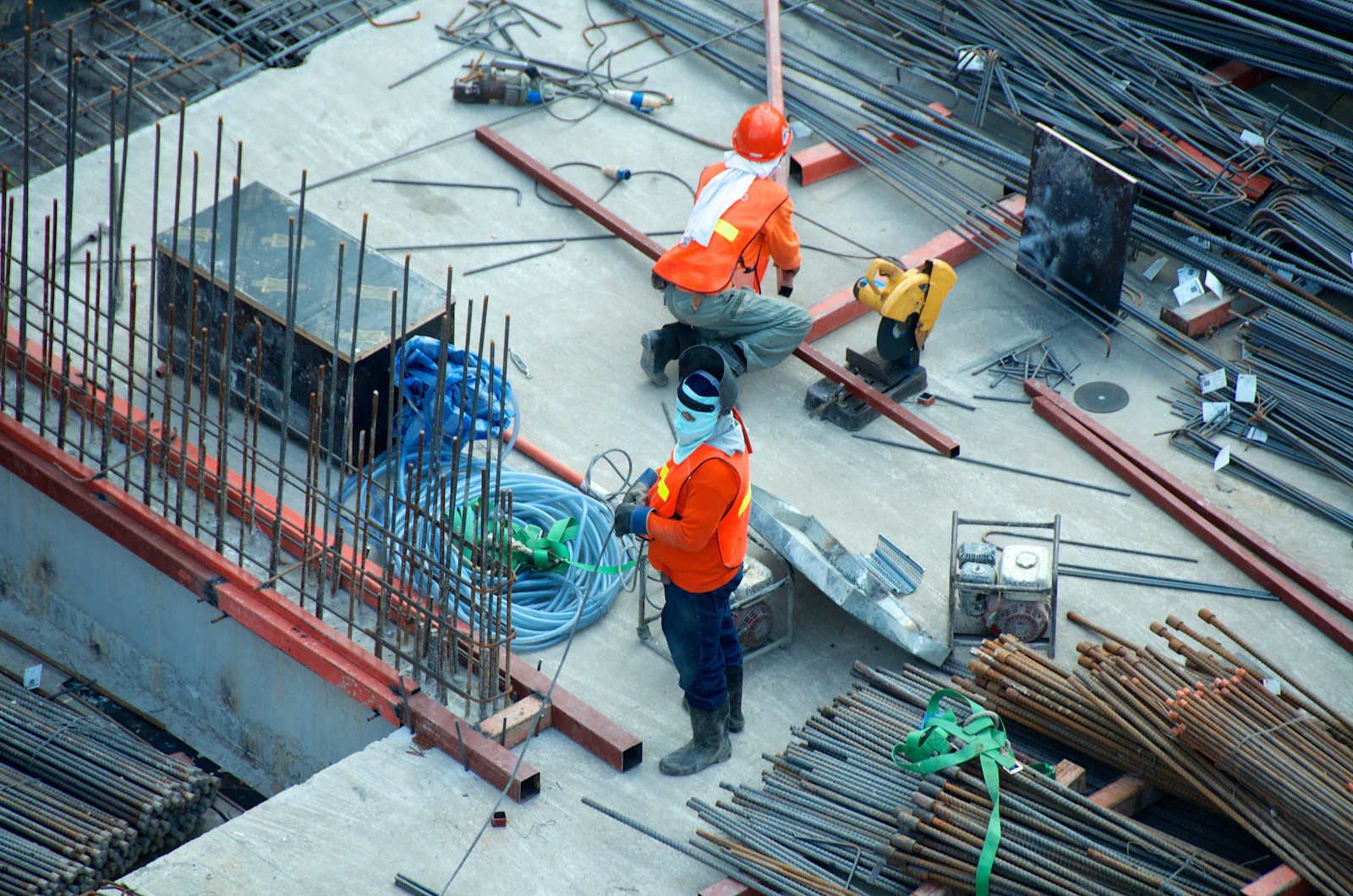
The office is in a portacabin and the data is on a tower crane site
The difference is that a large part of the business lives in places that did not exist a few months ago and will be gone when the project hands over. A typical office has one location and a stable team; a contractor has a head office plus site cabins, a workforce that changes with each phase, and project data that must survive long after the site is cleared. Line availability at temporary and remote addresses differs; both du and e& publish business options.
That changes how support should be set up. The head office needs the same foundations as any well-run Dubai office: a documented network, managed laptops, Microsoft 365 and tested backup. On top of that, the IT team needs a repeatable way to connect a site, give the right people access, and remove it all cleanly at the end. Without that routine, every new site becomes an improvised job, and old accounts, routers and shared passwords accumulate from project to project.
How do you connect a site cabin to head office systems?
Most site offices are connected with a business 4G or 5G router, with a fixed line added if the project is long enough to justify the wait for installation. The router should be a managed device, not a consumer hotspot, so it can be monitored and configured remotely. Managing devices that move between sites centrally is documented in what Intune is.
Staff on site then reach head-office systems through a secure connection: either a site-to-site VPN between the site router or firewall and the head-office firewall, or Microsoft 365 and cloud apps protected by multi-factor authentication. The right choice depends on whether key systems still sit on a server in the head office. Our network and Wi-Fi service covers the router, firewall rules and site Wi-Fi together, so the cabin behaves like a small branch of the main network rather than a separate island.
- Use a router that supports remote management and a backup SIM from a second provider where signal allows.
- Mount the router where signal is strongest, which is often high on the cabin, not inside a steel container.
- Keep a separate guest or visitor Wi-Fi for subcontractors and consultants who only need internet.
- Record every site router, SIM and login in the asset register so nothing is lost at close-down.
How should large drawing and model files be stored and shared?
Large CAD drawings and BIM models need fast storage close to the people who edit them, plus a controlled way to share current versions with site teams and consultants. Pushing very large files over a site 4G link every time someone opens them is slow and frustrating.
A common pattern is a NAS at head office for active design work, synchronised to cloud storage so site teams and remote staff can open the current set. Site users then work from synchronised copies rather than dragging files across the VPN. Clear folder structure and naming, agreed at project start, stop people working from an out-of-date revision. The design team should also have a wired connection at head office, because Wi-Fi is rarely the best link for moving large models all day.
How do you manage shared devices, staff and subcontractor accounts?
Every person gets their own account, including subcontractors who need system access, and every account has an owner and an end date. Shared logins on site laptops are convenient for a week and a problem for the rest of the project, because nobody can tell who did what or safely revoke access.
Site devices take more punishment than office laptops: dust, heat, being passed between shifts and left in vehicles. Rugged or ruggedised laptops and tablets suit some roles, while a standard business laptop in a protective case is enough for others. Either way, devices should be enrolled in management so they can be locked, wiped and tracked if they go missing.
- Separate staff and subcontractor accounts, with guest access for external parties where possible.
- Multi-factor authentication on every account that can reach email or project files.
- Shared site devices set up for individual sign-in rather than one shared password.
- A leaver checklist so access ends the day a person or subcontractor leaves the project.
What IT does each stage of a construction site need?
Site IT follows the life of the project, and planning it by stage avoids last-minute requests. The table shows what usually needs to happen at each point. The exact scope depends on the size of the site and how long it will run.
| Site stage | IT needed |
|---|---|
| Mobilisation | 4G or 5G router, firewall or VPN link to head office, site Wi-Fi, printer, first laptops and accounts |
| Main works | Additional users and subcontractor accounts, synchronised drawing files, separate CCTV network, regular backup checks |
| Peak staffing | Extra devices and access points, tighter access reviews, capacity checks on the internet connection |
| Handover and close-out | Final project data archived and backed up, as-built files secured, accounts reviewed |
| Demobilisation | Accounts disabled, devices wiped and returned, SIMs cancelled, asset register updated |
How should site CCTV and project data be protected?
Site CCTV should run on its own network, separated from the office laptops and head-office connection by a VLAN or a separate router. Cameras and recorders are often installed by a security contractor and left with default settings, so they should never share a network with the systems that hold drawings, contracts and payroll. A separate connection also stops camera footage from using up the bandwidth site staff need.
Project data needs backup that covers both Microsoft 365 and any NAS or server at head office, with copies kept off site and restores tested. NAS storage and backup and basic cybersecurity controls such as endpoint protection and multi-factor authentication matter here, because a lost laptop or a compromised email account can expose tender documents and payment details as easily as a server failure.
From site mobilisation to handover
Listonics supports the head office and site offices under one agreement as part of our IT support in Dubai, with a fixed monthly fee per user or per device. Engineers visit head offices and site cabins across Dubai, and remote support and monitoring cover projects anywhere in the UAE; for sites outside Dubai, ask us about on-site options for that location.
We start with a free assessment of your head office and a current site, document what exists, and agree a standard site kit and checklist for opening and closing site offices. For groups running several locations at once, our guide to IT support for multi-location businesses explains how we keep them consistent.
What a construction client says
“As a construction company, we have a lot to manage, so finding one team that can handle our IT and digital requirements has been really helpful. Listonics has supported us with office networking, cybersecurity, website development and SEO. […] We no longer need to coordinate with different companies for every requirement, which saves us time and effort.”
AKD Construction, in a 5-star review on Trustpilot.
Frequently asked questions
Yes, for many site offices a business 4G or 5G router is enough for email, cloud apps and synchronised drawings, especially with a backup SIM from a second provider. Very large model files or many users may justify a fixed line if the project runs long enough to wait for installation.
It depends on the equipment, the number of users and whether a fixed line is needed. With a standard site kit and checklist agreed in advance, most of the work is preparing the router, devices and accounts at head office, then installing and testing on site. We confirm timing after reviewing the site.
Only if they need access to your systems. Many subcontractors only need internet on a guest network and shared files through controlled external sharing. Where an account is needed, it should be named, protected with multi-factor authentication, limited to the right project folders and given an end date.
Our work is the network side: a separate VLAN or connection for cameras and recorders, firewall rules, and keeping that network apart from office systems. Camera supply and installation are usually handled by a security contractor, and we coordinate with them so the cameras connect safely.
Before demobilisation, project files on site devices and shared folders are checked against the central store, archived and included in backup. Devices are then wiped, accounts disabled, SIMs cancelled and the asset register updated, so nothing sensitive is left on returned equipment.
Written by Srinivasan Ramachandran, Founder, Listonics · Last reviewed October 27, 2026