IT Support for Dubai Marina Offices: A Practical Guide for Small Hybrid Teams
How small and hybrid teams in Dubai Marina towers, serviced offices and co-working spaces can keep Wi-Fi, laptops and data under control.
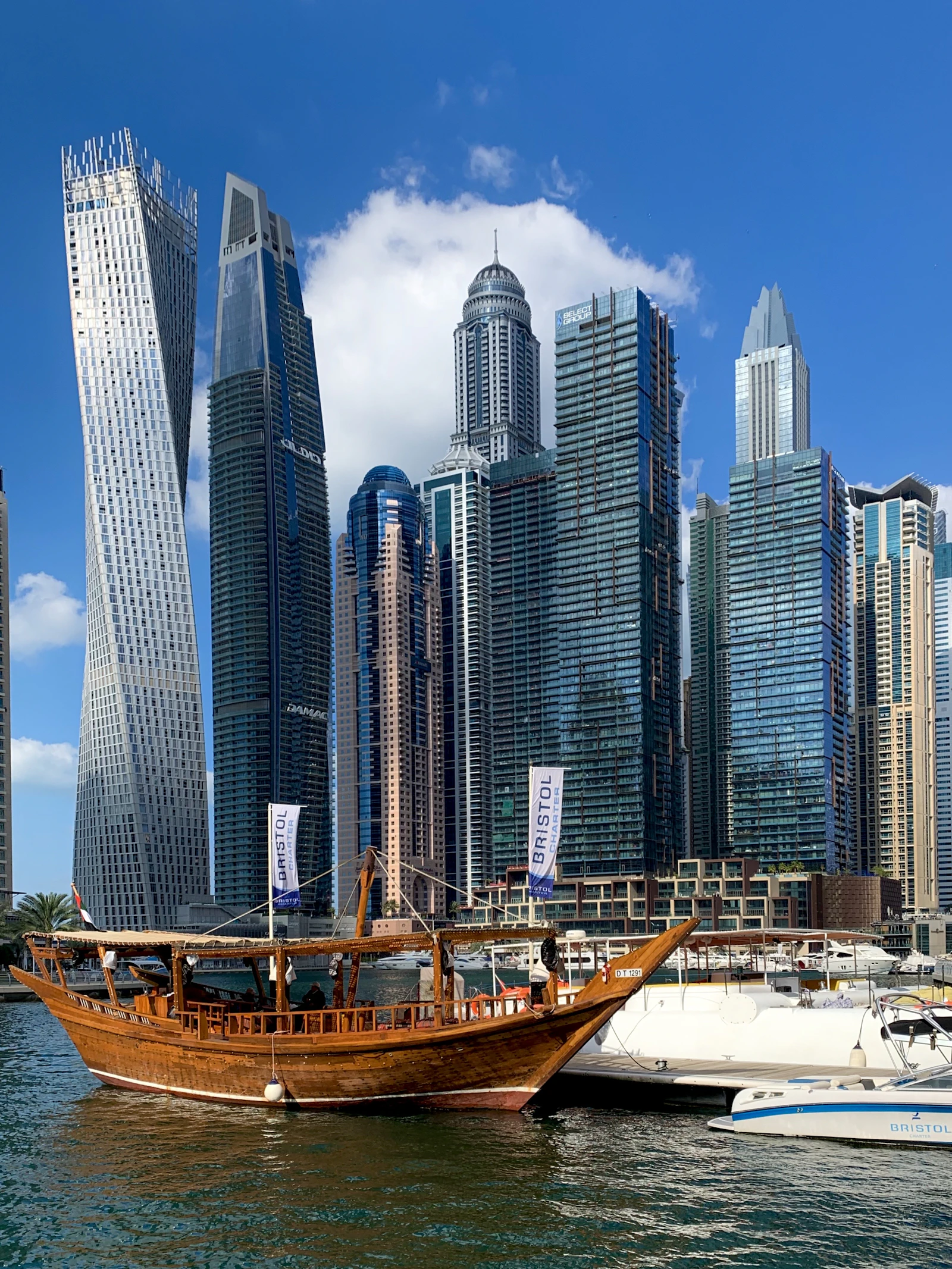
IT support for Dubai Marina offices has to work around the building and the way small teams work. Plan Wi-Fi around crowded neighbouring networks, keep your own network separate from shared building or operator Wi-Fi, protect every laptop and Microsoft 365 account for hybrid working, add internet failover, and pair a remote helpdesk with on-site visits booked under tower access rules.
Key takeaways
- Mixed-use Marina towers put your Wi-Fi beside many apartment, hotel and office networks, so a survey and channel plan matter more than stronger access points.
- In a serviced office or co-working space you rarely control the network, so ask for a private VLAN and protect each device as if it were on public Wi-Fi.
- Microsoft 365 with multi-factor authentication, managed and encrypted laptops and files in OneDrive or SharePoint keep data safe wherever staff work.
- A second internet line or 4G/5G failover only helps if mobile signal has been tested inside your unit, away from the windows.
- Small teams are best served by a remote helpdesk for daily issues plus scheduled on-site visits that respect the tower's contractor rules.
How do mixed-use towers in Dubai Marina affect office IT?
Mixed-use towers add three constraints most offices elsewhere feel less: crowded Wi-Fi airwaves, strict contractor access and building infrastructure you share with residents and hotels. Plan around all three before you choose equipment or sign a support contract.
Many Marina offices, serviced offices and co-working spaces sit in towers that also hold apartments and hotel rooms. Every home router and hotel access point on the floors around you broadcasts on the same limited Wi-Fi channels, so interference is constant and changes through the day. The Wi-Fi Alliance explains what current-generation certification covers, which matters more in a crowded tower than raw transmit power.
Building management usually controls who enters, when work can happen and which areas contractors may reach. Ceiling access, drilling, riser use and new internet lines typically need approval booked in advance. Risers, comms rooms and incoming provider fibre are shared, so a fault there is not always yours to fix. Availability differs by building, so confirm with du and e& against the specific tower.
How do you get reliable Wi-Fi in a busy Dubai Marina tower?
Start with a Wi-Fi survey of your actual unit, then use business access points cabled back to a switch, favour 5 GHz and 6 GHz, and plan channels around the networks already present. Turning transmit power up usually makes a crowded tower worse, not better.
A survey shows which channels neighbouring networks occupy and where signal drops behind concrete cores, lift shafts and coated glass. In the 2.4 GHz band only three channels do not overlap (1, 6 and 11), so in a dense tower it is best kept for older devices. The 5 GHz band has far more room, and 6 GHz, used by Wi-Fi 6E and Wi-Fi 7 devices, is usually much quieter where your access points and laptops support it.
- Use narrower channel widths in congested bands; wide channels collide with more neighbours.
- Cable every access point back to the switch rather than relying on wireless mesh links, which lose capacity in noisy spectrum.
- Keep transmit power moderate so devices roam to the nearest access point instead of clinging to a distant one.
- Separate staff, guest and device networks so a visitor's phone never shares a network with your files.
When the Wi-Fi is already slow
If complaints have already started, check the internet line, the router and interference before buying new hardware. Our guide to why office Wi-Fi is slow walks through the usual causes, and the network and Wi-Fi service covers surveys, design and installation.
What can you control in a Marina serviced office or co-working space?
Usually your devices, your accounts and your data, but not the network. Ask the operator whether they offer a private VLAN, a dedicated port for your own firewall or a wired connection, and assume the shared Wi-Fi is untrusted if they do not.
A private VLAN keeps your traffic apart from other tenants on the same equipment, which matters if you run a printer, a small NAS or a phone system. Where the operator allows nothing, move protection onto each laptop and account. The table below shows how the balance changes across the places a hybrid team works.
| Where you work | What you control | How to secure it |
|---|---|---|
| Private leased office | Internet lines, firewall, switches, Wi-Fi and cabling, subject to building approvals | Business firewall, surveyed Wi-Fi with separate staff and guest networks, internet failover and documented settings |
| Serviced office | Laptops, accounts and Microsoft 365; sometimes a private VLAN or firewall port if the operator offers one | Request a private VLAN; otherwise device firewalls on, sharing off, endpoint protection and MFA |
| Co-working desk | Only your own devices and accounts | Treat the Wi-Fi as public: encrypted laptops, MFA, no local file shares, and a phone hotspot for sensitive work |
| Home | The home router and the devices on it | Change default router passwords, keep firmware updated, keep work laptops managed and avoid shared family use |
| Cafés and hotel lobbies | Nothing but the laptop and phone | Prefer a phone hotspot, check the network name with staff, keep screens private and never leave devices unattended |
How do you secure hybrid working for a small team?
Protect the account, the device and the data, so security does not depend on which network someone uses. For most small Marina teams that means Microsoft 365 with multi-factor authentication, company-managed encrypted laptops and files kept in OneDrive, SharePoint or Teams.
Accounts and devices
Turn on multi-factor authentication for every user, with separate admin accounts, and block sign-in from unmanaged devices where your licence includes Conditional Access. Our article on MFA for small businesses explains the options. Enrol laptops in Microsoft Intune so encryption (BitLocker on Windows), updates, endpoint protection and a lock screen are enforced, and a lost laptop can be wiped remotely.
Public Wi-Fi and when a VPN still matters
Microsoft 365 traffic is already encrypted in transit, so a VPN is not needed just to read email on café Wi-Fi. The larger risks are fake hotspots, stolen passwords and laptops left unattended. A VPN still matters when staff reach systems inside the office, such as a NAS, an accounting server or a line-of-business app, which should never be opened directly to the internet.
Protecting company data at home and in cafés
Keep files in OneDrive or SharePoint rather than on desktops or USB drives, restrict external sharing links, and use sensitivity labels or data loss prevention where your licence includes them. Have a simple written process for leavers: disable the account, recover the laptop and transfer file ownership the same day. The Microsoft 365 and cloud service covers tenant setup and these policies.
How do you keep the internet up in a Marina office?
Add a second connection with automatic failover: ideally a second fixed line from a different provider, or a 4G or 5G router if that is not available. A business firewall then switches traffic over when the main line drops, so calls and cloud apps continue.
Ask building management which providers already serve the tower, whether du or e&, and whether a new line needs riser work and approval. Before relying on mobile backup, test signal inside your unit, including interior rooms away from the glass, because coverage within towers varies from floor to floor. Mounting an external antenna may need building permission. In a serviced office, ask the operator what happens during an outage and whether you may place your own backup router.
How should a small office handle meeting rooms, video calls and printing?
Keep it simple and standard: one well-placed video bar or camera and speaker per room, a wired connection for the room device, and a single business printer on the office network with secure settings.
Meeting rooms and video calls
Glass meeting rooms echo, so choose devices with good noise and echo handling and test a real call before a client meeting. Connect room equipment by cable where a data point exists, and make sure an access point serves the room, since a full room of laptops on video calls needs capacity of its own. In serviced offices, check what the operator's rooms already provide.
Printing and small peripherals
Most small teams need one multifunction printer, not several desktop ones. Change its default admin password, keep firmware updated, disable features you do not use and set scan-to-email or scan-to-folder to company accounts. In co-working spaces, use the operator's print service rather than connecting a personal printer to shared Wi-Fi.
What IT support does a small Dubai Marina team need?
A remote helpdesk for everyday issues, monitoring of devices and Microsoft 365, and on-site visits for hardware, networks and moves. Most requests from a hybrid team, such as password resets, email problems and laptop faults, can be resolved remotely wherever the person is working.
On-site work in a Marina tower needs to be booked with building management and done within permitted hours, so choose a provider that plans visits rather than turning up unannounced. Per-user or per-device monthly pricing suits small teams whose headcount changes, and the provider should keep a current asset register, account list and network diagram. The managed IT support service explains how this works.
What should a Marina team sort out before leaving a serviced office?
Serviced offices in the Marina are easy to move into and surprisingly easy to leave badly. The lease ends, the desks are handed back, and the business discovers over the following weeks that pieces of its IT were quietly tied to the building. Leaving well is a short checklist done a month early.
Start with anything that used the building's infrastructure. Shared printers and scanners hold documents in memory and sometimes the email settings used to send scans; clear them. Wi-Fi credentials for the serviced network should be treated as expired the day you leave, so change any shared account that was used on it. If the building supplied a phone line or number, decide whether it moves with you, and update it everywhere it appears: email signatures, the website, Google Business Profile, invoices and the trade licence if it is the registered contact. The registered address changes in the same places, and in Microsoft 365 so that signatures and letterheads are right on day one at the new office.
Then look forward. A move from a serviced office into your own fit-out means you are now responsible for the things the building used to provide: an internet line with its own lead time, a firewall, Wi-Fi that covers your floor, and the building's approval for the contractor to install any of it. Those need to start before the notice period ends, not after, or the team spends the first weeks in the new office working from phones.
- Clear printers and scanners of stored documents and email settings.
- Treat the serviced network's credentials as compromised and change anything used on it.
- Decide what happens to building-supplied phone numbers and update every place they appear.
- Change the registered address in Microsoft 365, signatures, the website and business listings.
- Order the new office's internet line and book contractor approvals before notice expires.
How Listonics helps with IT support for Dubai Marina offices
Listonics supports offices of roughly 5 to 200 staff, with engineers on site across the UAE, including Dubai Marina, and remote support UAE-wide. Work starts with a free site survey, followed by a fixed-scope, itemised proposal for Wi-Fi planned around neighbouring networks, a private network where the operator allows it, internet failover, Microsoft 365 with MFA and managed laptops. Managed support is a fixed monthly fee per user or per device, with response targets and 24/7 monitoring, and installation visits are booked within tower access rules. You receive a network diagram, asset register, account list and port map. See IT support in Dubai Marina or book a free office IT assessment.
Frequently asked questions
Mixed-use towers put your network beside many apartment, hotel and office networks competing for the same channels, while concrete cores and coated glass block signal. A survey of your unit, business access points cabled to a switch, a channel plan and use of 5 GHz and 6 GHz usually fix it more effectively than a more powerful router.
Treat it as untrusted, because you cannot see who else is connected or how it is configured. Ask the operator for a private VLAN or a port for your own firewall. If that is not possible, rely on encrypted managed laptops, device firewalls, endpoint protection and multi-factor authentication on Microsoft 365 and every business application.
Not for Microsoft 365, whose traffic is already encrypted. The bigger risks at cafés are fake hotspots, shoulder surfing and unattended laptops, so a phone hotspot and MFA help more. A VPN is still needed to reach systems inside the office, such as a NAS or an accounting server, safely.
Often, but only test results can tell you. Mobile signal inside towers varies by floor, side of the building and distance from the windows. Test in the room where the router will sit before buying, check whether an external antenna needs building approval, and pair it with a firewall that switches over automatically.
Yes. Managed IT for a co-working team focuses on what you control: Microsoft 365 accounts with MFA, Intune-managed encrypted laptops, file storage in OneDrive or SharePoint, updates and endpoint protection. A remote helpdesk handles most issues, and on-site visits cover new laptops, hardware faults and moves to a private office.
In most towers, yes, for anything touching the building, such as cabling, ceiling access, riser use or new internet lines. Rules differ between buildings, so ask building management about approvals, access passes and permitted working hours. Routine support like account changes and software fixes can usually be done remotely without a visit.
Clear the shared printers, change any credentials used on the building's Wi-Fi, decide what happens to building-supplied phone numbers, and update your address and numbers everywhere they appear. If you are moving into your own space, order the internet line and the building approvals a month before your notice ends.
Written by Srinivasan Ramachandran, Founder, Listonics · Published Sep 13, 2026 · Last reviewed October 24, 2026 · 2227 words