Best Networking Companies in Dubai for Offices
Boring is the goal: Wi-Fi that works and nobody guessing who owns a fault. Six Dubai networking options for offices, compared.
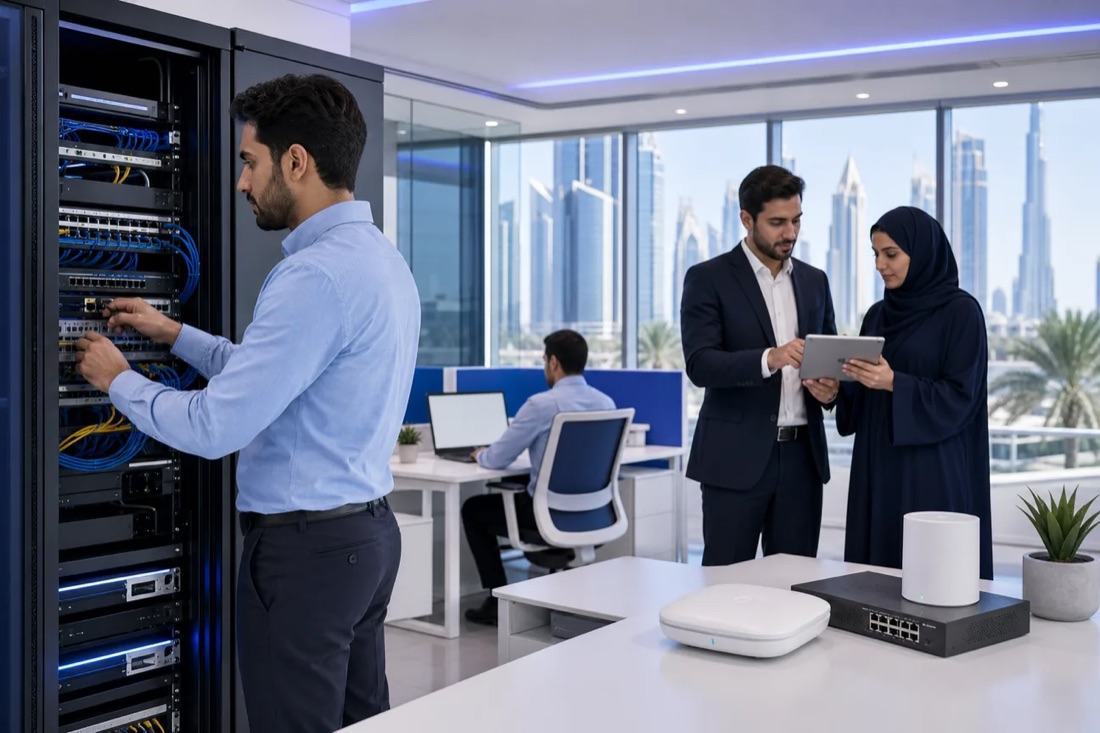
Boring is the goal: your Wi-Fi works, staff can reach their files, and nobody is guessing who owns a fault. If you're comparing networking companies in Dubai, here are five providers plus Listonics, with the office jobs each is best suited to.
Disclosure: Listonics wrote this comparison and is one of the companies in it. The order is not a ranking. Details of the other companies are summarised from public information as of Oct 15, 2026 and may have changed, so confirm them with each company. Screenshots show each company's own public website; names and logos belong to their owners.
1. Listonics
Listonics designs, installs and manages office IT, including networks, workstations, cloud accounts, security and backups. It's a fit for Dubai office managers setting up or moving an office, and for teams of 10 to 40 people that need ongoing support without hiring an in-house IT team.
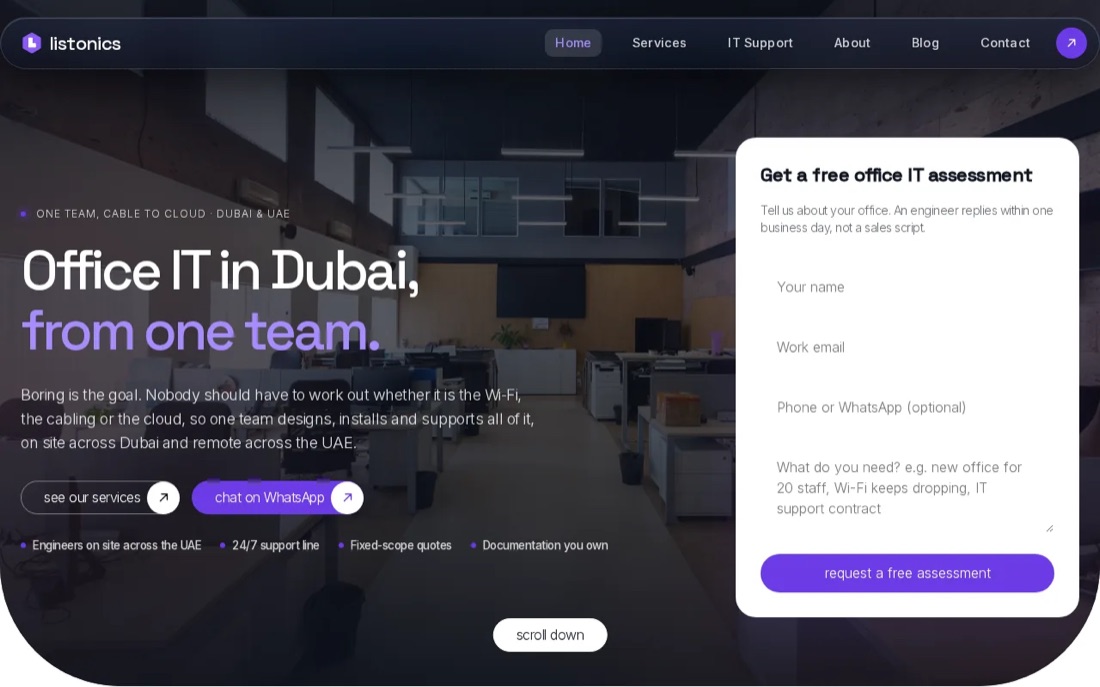
Projects are quoted as a fixed scope after a free survey. Listonics project work ranges from AED 2,500 to AED 30,000, depending on what the office needs. Ongoing support has a separate fixed monthly fee, with response times written into the agreement. Under a support plan, critical issues are acknowledged within 10 minutes.
That distinction matters during a move. A network can pass a handover test, then fail when staff connect laptops, printers and meeting-room kit at once. Listonics hands over documentation for the installed work, then supports the office under a managed plan with monitoring and a helpdesk. Engineers attend on site across the UAE; remote helpdesk and monitoring cover offices throughout the country.
For an office build or a Wi-Fi fault, see Listonics' network and Wi-Fi service details. Ask for the scope, exclusions and response terms in writing before you approve a project. That is more useful than a quote that only names equipment.
Key Takeaway: Listonics suits smaller offices that want one team to handle the network build and the support that follows.
2. Azizi Technologies: switching, routing and business Wi-Fi
Azizi Technologies is a Dubai IT company that works on switching, routing, firewalls and business Wi-Fi. It may suit an office with a clear networking brief, especially when the work centres on the wired network and wireless access rather than a wider office IT handover.
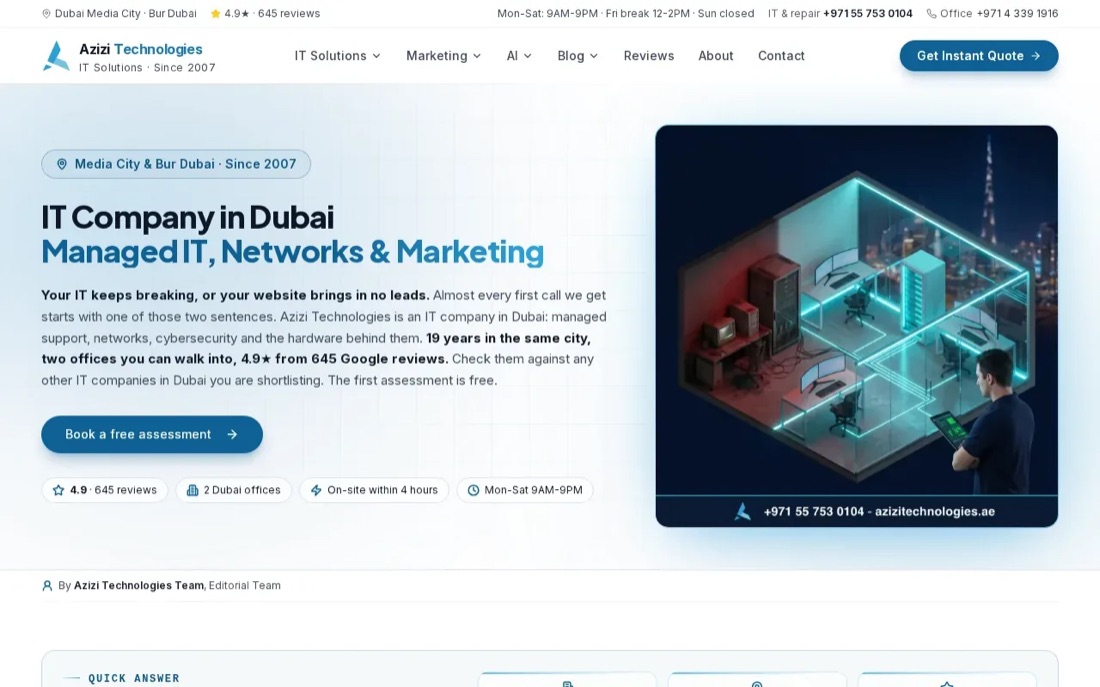
The provider works with Cisco, Aruba and Ubiquiti equipment. Those choices can matter if you already have a preferred system or want compatible gear across more than one office. A useful question is how the proposed switches, access points and firewall will be managed after installation, and who will keep the network notes current.
Azizi Technologies has a monthly annual maintenance contract model, with helpdesk and on-site support. Its emergency response time across Dubai is four hours. Put that beside your own needs: if a network fault stops staff from taking payments or joining client meetings, clarify what counts as an emergency and how the response clock starts.
For security planning, the NIST Cybersecurity Framework gives organisations a common way to discuss cybersecurity risk. It's a reference point, not a substitute for checking what the provider will configure, document and maintain for your office.
Azizi Technologies is worth considering when switching, routing or business Wi-Fi is the main job. Keep the project scope tight, then ask for a written support plan before go-live.
3. Smart Tech Dubai: enterprise Wi-Fi and structured cabling
Smart Tech Dubai works on enterprise Wi-Fi, data cabling and office network infrastructure. It may fit an office fit-out where the cabling and wireless design need to be planned together, rather than handled as separate jobs.
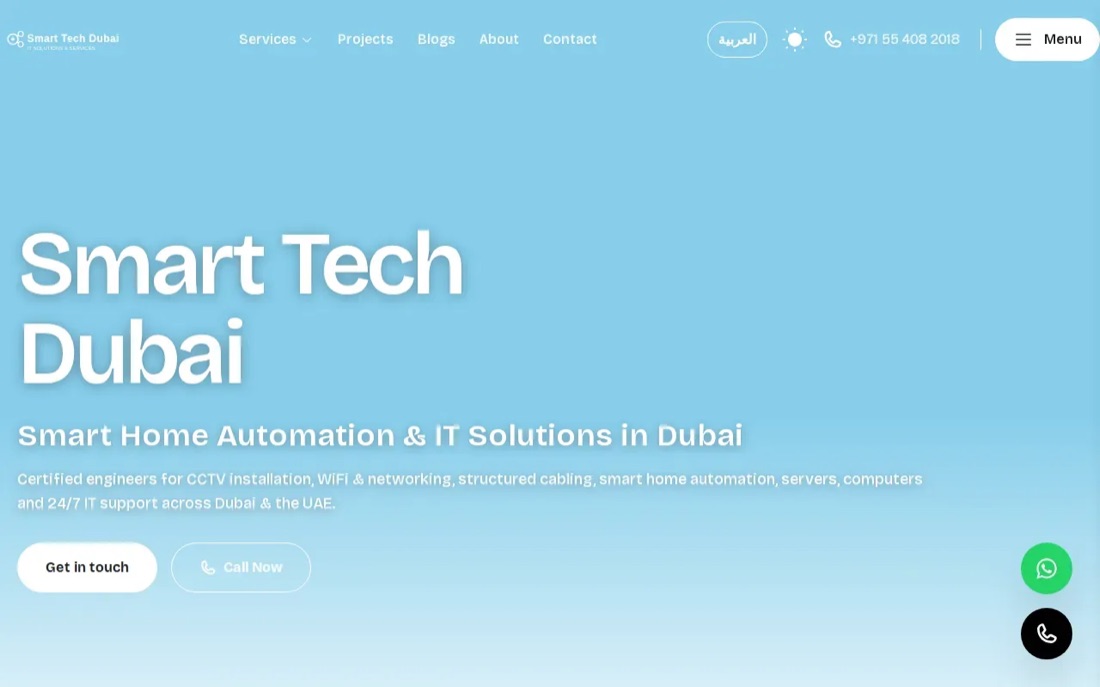
Its network services include LAN and WAN setup, router and switch configuration, security, VPN, bandwidth management and monitoring. For a new floor, that breadth can help connect the physical cabling plan to how staff, guests and office devices will use the network. Ask for a map of access-point locations and a clear handover record, not only a list of installed kit.
The provider offers fixed-priced work and AMC support with quarterly, semi-annual or annual plans. The final scope can depend on the floor and the amount of cabling, so compare written proposals on the same requirements.
Structured cabling is the organised wiring that links office devices back to network equipment. It uses a planned layout, rather than a collection of unrelated point-to-point wires. In your quote, check that cable runs are labelled and that the handover includes a record you can use later.
For a Wi-Fi problem, ask how the provider will find the cause. A dead spot may come from access-point placement, but slow service can also start at the internet connection or a switch.
4. NetSys IT: networking alongside managed IT and AV
NetSys IT provides managed IT services, cybersecurity, cloud migration, networking, communications and AV solutions. It is aimed at government and enterprise organisations, so it may be a better match for a larger or more involved brief than a simple one-floor office network.
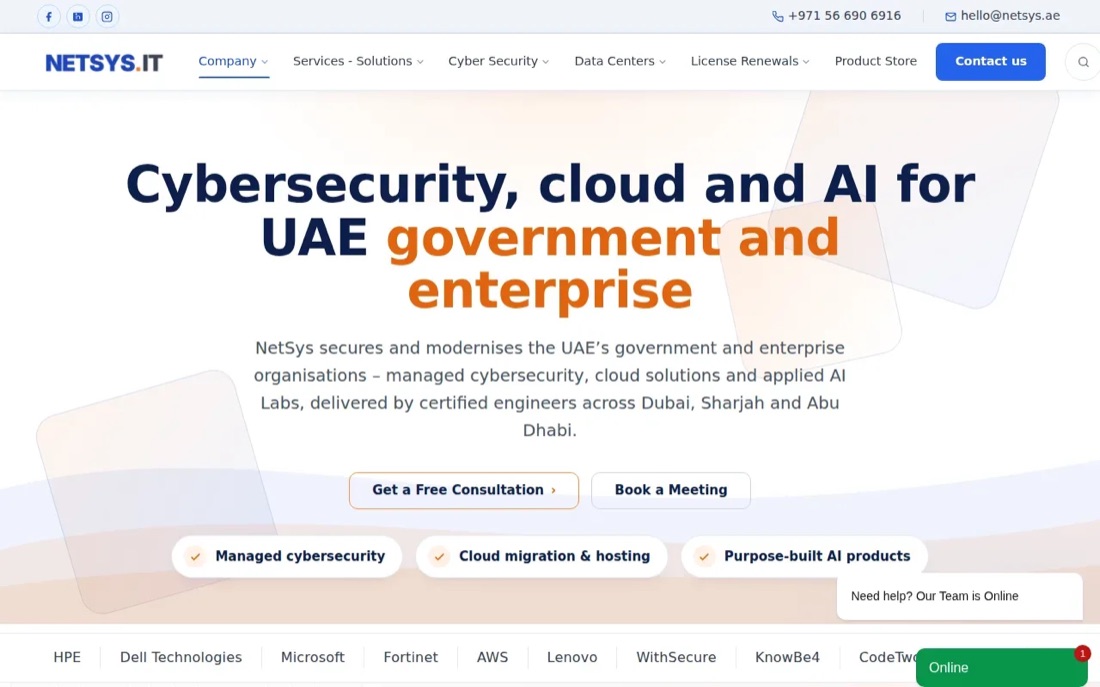
Its support model uses flat monthly AED contracts rather than per-ticket billing. NetSys IT provides on-site support across Dubai, Sharjah and Abu Dhabi. For a business with several systems under one support agreement, that can make ownership clearer when a network issue affects a meeting room or cloud service as well.
NetSys IT also covers cybersecurity and cloud services alongside networking. That mix can help when a project spans the office network and the systems staff use every day. Still, check the proposed scope line by line: an organisation shouldn't pay for a wider service bundle if it only needs a clean network installation.
Ask who handles a fault after hours, what the monthly contract covers and which tasks count as project work. A flat monthly fee is easier to budget when its boundaries are just as clear as its price model.
5. Xedos Technologies: new-office network installation
Xedos Technologies provides new-office IT setup and relocation work, including network infrastructure, structured cabling, Wi-Fi and servers. It works with SMEs and startups. It's a sensible candidate when an office needs its basic IT environment ready for staff on opening day.
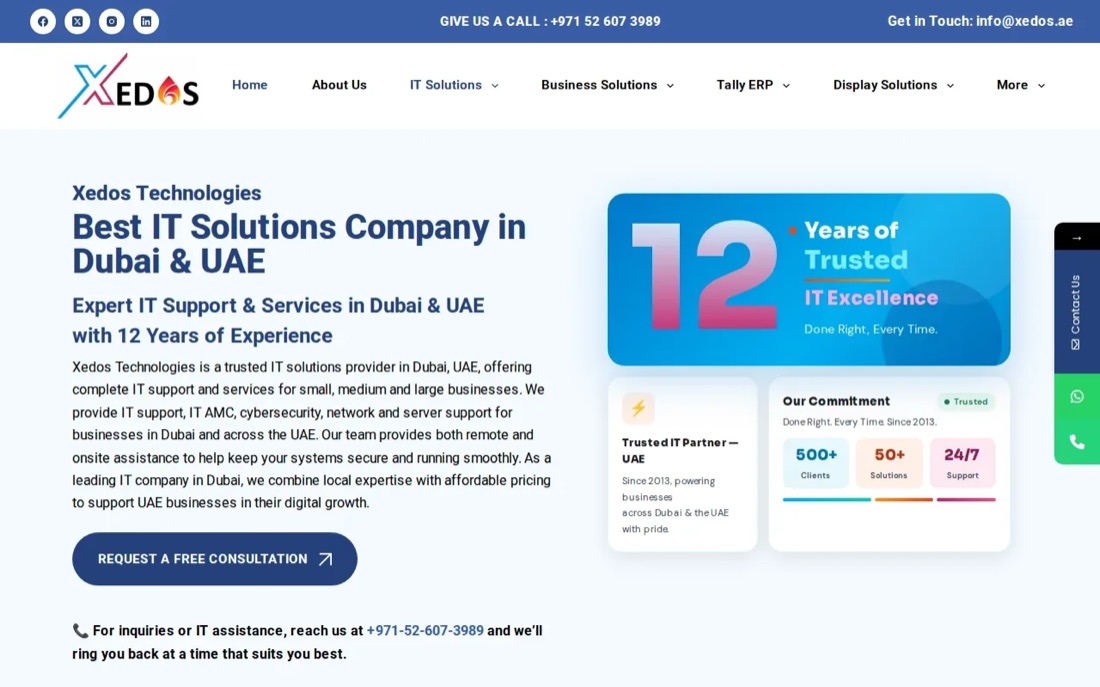
The setup can cover cabling, network design, Wi-Fi, server work and ongoing support. For a move, ask how the schedule fits with the office fit-out. Cable routes and rack space need to be agreed before desks and walls are in place; changing them after the office opens can mean extra disruption.
Xedos Technologies also offers an Annual Maintenance Contract and ongoing managed IT services. That gives you a route from installation into support, but the handover still deserves attention. Confirm which network diagrams, configuration records and access details you'll receive, and who can use them if your support arrangement changes.
If your office is in Business Bay or Downtown, the Business Bay office IT planning guide can help you think through the differences between a fitted space and a shell-and-core unit before you finalise the network scope.
Choose Xedos Technologies when the office setup or relocation is the main requirement. Set the go-live date early, then work back to agree access, cabling and testing with the fit-out team.
6. iTAG Technologies: network design and Wi-Fi optimisation
iTAG Technologies provides IT support in Dubai, with network design and Wi-Fi work among its services. It may suit an office that already has equipment but needs better coverage, clearer network separation or help with recurring connection faults.
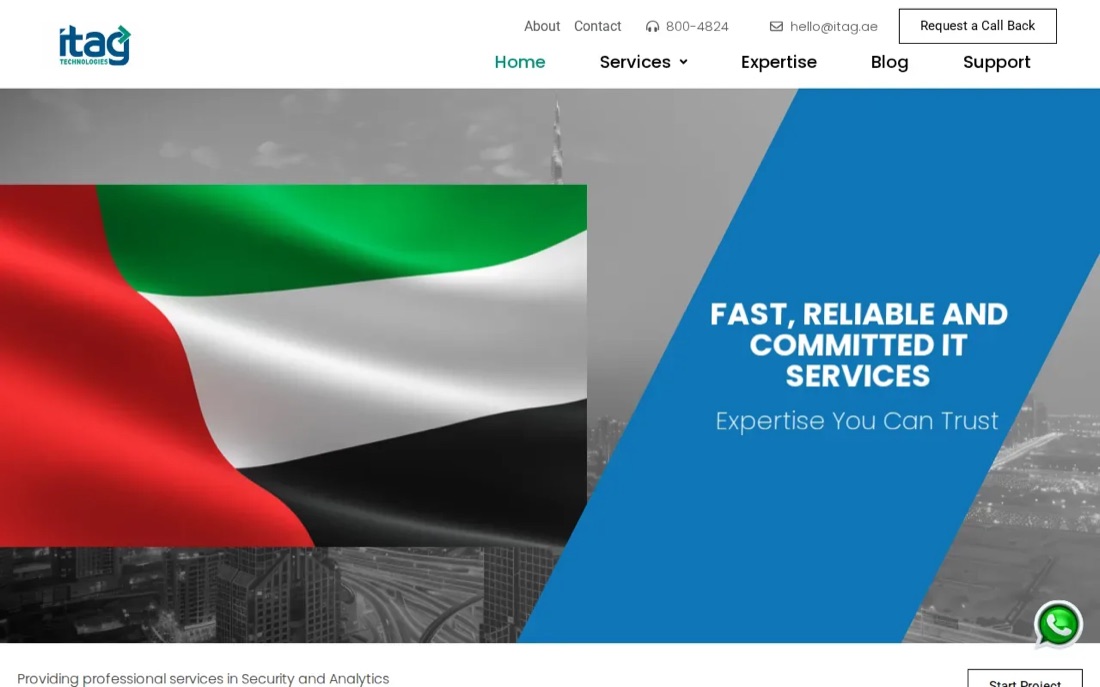
Its network work includes structured cabling, Wi-Fi optimisation, VLAN configuration, firewall management, VPN setup, bandwidth management and server-room troubleshooting. VLANs separate types of network traffic. For example, keeping guest Wi-Fi apart from office systems can limit what visitors can reach if their device has a security problem.
iTAG Technologies has support contracts with monthly reporting. Monthly reporting can help an office manager spot repeat faults, but ask what the report measures and how the team will act on a recurring issue. A report that names a problem without an owner or next step won't fix it.
For a small team, this provider may be a fit when network support is the main need. If the request also covers workstations, cloud accounts or backups, confirm who is responsible for those parts before signing.
Compare these Dubai networking companies by office need
The right shortlist depends on the job. A new office needs a different conversation from a Wi-Fi fault in a working office. Use the table to pick who to speak with first, then compare proposals against the same floor plan, staff count and support needs.
Before choosing, ask each provider to state the work included, the work excluded and the response terms. Also ask whether you'll receive the network records and administrator access at handover. If your office is moving, agree who coordinates with the fit-out contractor and who signs off the network before staff arrive.
Pro Tip: Ask for one written example of what happens when the internet drops during business hours. The answer should name the first response, the escalation point and who updates your team.
When you compare quotes, ask which Wi-Fi generation the access points support and why. The Wi-Fi Alliance describes Wi-Fi 6 as built for higher data rates, greater capacity and stronger performance in dense environments, which is the problem in a busy open-plan office. For what a full office Wi-Fi project involves, see our guide to Wi-Fi installation in Dubai.
| Office need | Provider to consider | Useful point to check |
|---|---|---|
| Network project plus ongoing office IT support | Listonics | Fixed-scope project quote, separate monthly support fee and 10-minute critical-issue acknowledgement under a support plan. |
| Switching, routing and business Wi-Fi | Azizi Technologies | Monthly AMC with a four-hour emergency response time. |
| Enterprise Wi-Fi and structured cabling | Smart Tech Dubai | Fixed-priced projects and flexible AMC periods. |
| Managed IT, cybersecurity, cloud and AV | NetSys IT | Flat monthly AED contracts; confirm the response terms in writing. |
| New office setup or relocation | Xedos Technologies | Confirm the go-live plan and what gets documented at handover. |
| Network design and Wi-Fi optimisation | iTAG Technologies | Support contracts include monthly reporting. |
Conclusion
For a 10 to 40-person office that wants the network build and ongoing IT support under clear terms, start with Listonics. Your next step is to request a free survey and ask for a written scope, project figure and monthly support terms before approving work.
Frequently asked questions
Office networking costs depend on the office layout, user count and work required. Listonics projects range from AED 2,500 to AED 30,000, based on requirement. Ask for a site-based quote that separates installation from ongoing support.
A useful quote names the work, the equipment and the parts of the office covered. It should also state what is excluded, when the work will happen and what you'll receive at handover. Ask for network diagrams or other setup records, plus the support response terms. That way, a future fault won't depend on someone remembering how the network was built.
Managed support is useful when your office needs help after go-live, especially if no employee owns network maintenance. Check what the agreement covers, how faults are reported and when an engineer attends on site. If you only need a one-off installation, make sure ongoing support is optional and clearly priced as a separate service.
There isn't one response time that fits every office. Compare the provider's written terms with the cost of your own downtime. Check whether the stated time means acknowledgement, remote troubleshooting or an on-site visit. At Listonics, critical issues are acknowledged within 10 minutes under a support plan; other providers set their own terms.
It depends on your devices and budget. [Wi-Fi 7](https://www.wi-fi.org/discover-wi-fi/wi-fi-certified-7) adds features such as wider 320 MHz channels in the 6 GHz band and multi-link operation. Laptops and phones need Wi-Fi 7 themselves to use them, so an office of older devices may see little difference. Ask the installer to base the choice on a site survey and your device list, and to check that the switches and cabling can carry the extra speed.
Written by Srinivasan Ramachandran, Founder, Listonics · Published Oct 15, 2026 · Last reviewed October 28, 2026 · 1874 words