Jumeirah Lake Towers hosts thousands of DMCC-licensed trading and professional-services companies, typically 5–50 staff, often with partners and travelling directors who need secure access from anywhere. Listonics keeps these offices connected, secure and supported for a predictable fee. Free zone requirements and renewals are published by DMCC.
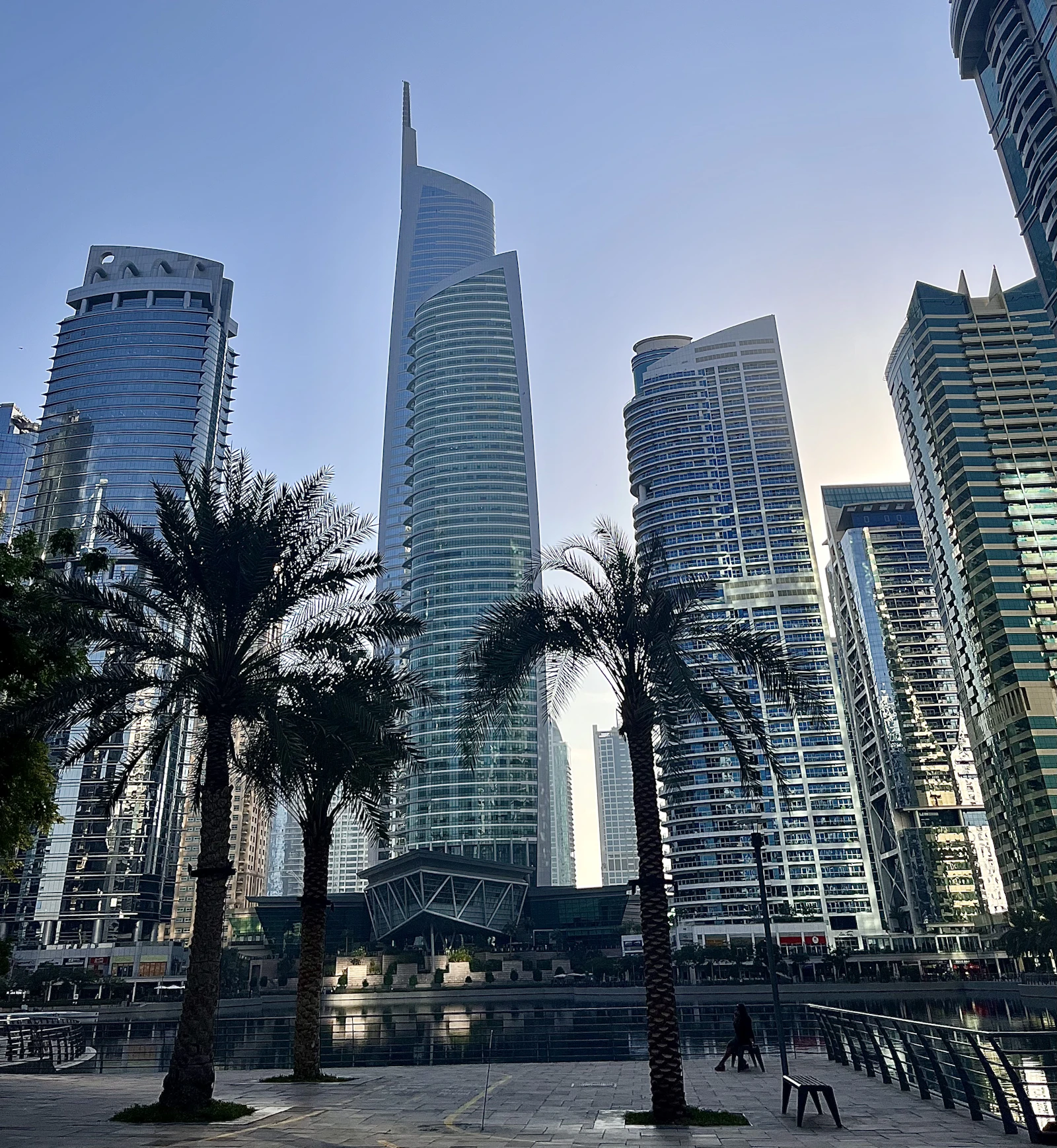
Running IT inside the JLT towers
Jumeirah Lake Towers is a cluster of towers rather than a single building, and the companies inside are licensed by DMCC. Most are small: a handful of desks, a couple of directors who travel, and a business that stops if email or the trading platform stops. The IT that matters is unglamorous, a connection that stays up, access that works from anywhere, and files that exist in more than one place.
The towers are no longer new, and that shows in the fit-outs. Cabling installed for a previous tenant, a switch in a cupboard nobody has opened in years, and a comms point that was moved once and never labelled again. Internet delivery also varies tower to tower, which is why we check what is actually available at your address with du or e& before promising a design.
Because trading is time-sensitive, a second internet line with automatic failover is worth more here than in most offices. A single line means one street-level fault stops the working day. Two lines and a firewall that switches between them turns the same fault into a slower afternoon.
A large share of JLT companies work from serviced offices or flexi-desks, and that raises a question most tenants never ask: whose network are your files crossing? On an operator's shared connection your devices may sit on the same network as every other tenant on the floor, with no control over speed, filtering or who else is present. The fix is not to leave the building. A small firewall and your own access points behind the operator's line put your devices on a private network with your own settings, while the landlord continues to supply the connection.
What a JLT office needs in place
- Reliable network and Wi-Fi with a second internet line and automatic failover.
- Secure remote access for directors and staff travelling or working from home.
- Microsoft 365 with MFA, plus backup of mailboxes and files.
- Structured cabling and network refresh for older JLT fit-outs.
- Monthly per-user support with on-site visits across the JLT clusters.
What goes wrong in JLT offices
- One internet line, so a provider fault outside the building stops every desk at once.
- Wi-Fi that drops in the meeting room because the access point is in the wrong place, not because the connection is slow.
- Directors working from abroad on personal laptops with company files saved locally and nothing backing them up.
- A shared inbox that several staff use with one password, so nobody can tell who replied to a client.
- Cabling inherited from the last tenant that nobody has mapped, which turns a ten-minute change into a half-day.
- A serviced-office or flexi-desk connection shared with unknown tenants, giving the business no control over speed, filtering or segregation.
How we work with JLT / DMCC offices
A JLT engagement normally opens with a short site visit, because the cabling you inherited from the previous tenant decides what is possible. We map and label what is there, confirm what the tower can actually deliver at your address, then quote the fix as a fixed scope. Where you sit in a serviced office, your own firewall and access points go in behind the operator's line. Support afterwards is a monthly per-user fee with response times written down.
What it costs for a JLT office
For a JLT office the usual sequence is a short site visit, a fixed-scope fix for whatever the survey finds, then a monthly per-user agreement. Projects are quoted as a fixed scope, Listonics projects run from AED 2,500 to AED 30,000 depending on requirement, with a small office network refresh sitting toward the lower end and a full re-cable plus failover toward the upper. Support is a fixed monthly fee per user with written response times; IT support cost in Dubai explains what changes the number.
Running an office in JLT / DMCC? Read our in-depth guide: IT for DMCC Companies in JLT: A Practical Guide from Flexi-Desk to 50 Staff (12 min read).
Frequently asked questions
Yes, relocation is one of our core services, with the new office cabled and live before the move.
Yes; a remote-support plan with on-call visits is usually the right size, and it grows with you.
It depends on what an outage costs you rather than on headcount. Five people who cannot trade for a morning is usually the more expensive number. For very small offices the sensible package is a monthly agreement covering Microsoft 365, backup and the helpdesk, with project work quoted separately when it comes up.
We check what each provider can actually deliver to your specific tower and floor, then configure the firewall to fail over automatically between the two. Availability varies by building, so the answer comes from checking your address rather than from a general rule.
Ordinary IT work such as replacing a switch or adding access points is between you and building management. Anything structural, or work affecting the base build, follows the building's fit-out approval process. We tell you which category a job falls into before it starts.
Yes, and it is usually worth doing. We place your own firewall and access points behind the building connection, so your laptops, printers and files sit on a private network separated from other tenants, with your own Wi-Fi and security settings. The operator still provides the line; everything after it becomes yours to control.
Written by Srinivasan Ramachandran, Founder, Listonics · Last reviewed October 24, 2026