Best Cloud Solutions in Dubai for Businesses
Cloud in Dubai can mean a platform, backup help or someone who keeps your office IT working. Five options, starting with office IT delivery.

Cloud solutions in Dubai can mean a cloud platform, backup help or someone who keeps your office IT working. Boring is the goal: your team should be able to sign in, find its files and get help when something fails. Here are five options, starting with the one built around office IT delivery.
Disclosure: Listonics wrote this comparison and is one of the companies in it. The order is not a ranking. Details of the other companies are summarised from public information as of Oct 15, 2026 and may have changed, so confirm them with each company. Screenshots show each company's own public website; names and logos belong to their owners.
1. Listonics
Listonics designs, installs and manages office IT infrastructure. That includes networks, workstations, cloud accounts, security and backups, with engineers who provide on-site service in Dubai and remote support across the UAE.
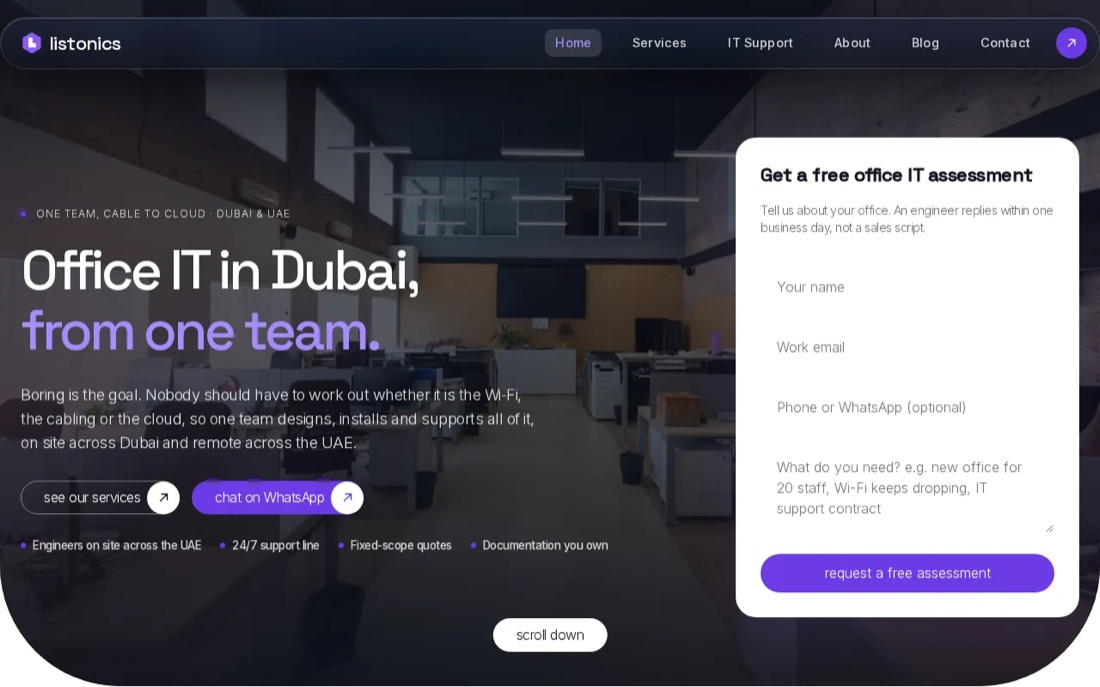
It's a good fit for a 10 to 40-person office that needs a working setup and ongoing support, not a cloud account handed over with a login. The team can plan a new office or relocation, then document what it installs and support the office under a managed plan. You can review the Microsoft 365 and cloud services for offices when your main need is cloud account setup or administration.
Projects are fixed-scope and priced after a free survey. Listonics project work runs from AED 2,500 to AED 30,000, depending on the requirement. Ongoing support has a fixed monthly fee, with response times written into the agreement. Critical issues under a support plan are acknowledged within 10 minutes.
That structure helps when an office manager needs to explain the IT spend before go-live. It also makes the handover part of the work: documentation covers what was installed, and support continues after launch. If a staff member leaves, there's a clear place to check how accounts and equipment are managed rather than relying on someone's memory.
For Microsoft 365 users, a separate backup plan is worth discussing before a mailbox or shared file goes missing. Our article on Microsoft 365 backup and data recovery explains what a backup should let you restore.
Listonics is a strong fit here when you want an accountable team for the whole office, including the network around your cloud services. It's less suited to a company looking only for public-cloud infrastructure with no office IT work.
Pro Tip: Ask for the project scope and the ongoing support fee as separate figures. That makes one-off setup work easier to compare with the cost of keeping the office supported.
2. Amazon Web Services (AWS) by e&: AWS cloud with local provider support
Amazon Web Services (AWS) by e& pairs the AWS cloud platform with local provider support. It suits a business that needs to build or move workloads onto AWS and wants help with the setup and ongoing management.
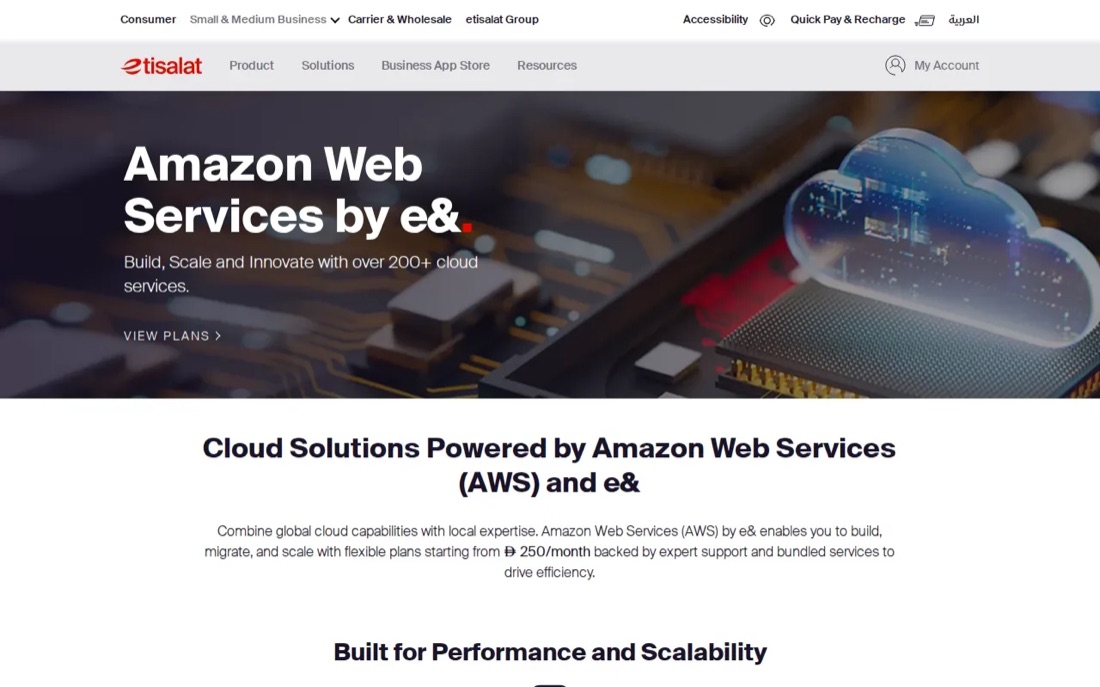
The service scope includes infrastructure provisioning, migration, scaling and performance optimisation. It also covers security, monitoring, cost management and automation. For a business with an application that gets heavier use at certain times, scalable infrastructure can help it adjust resources as demand changes. The trade-off is that cloud use still needs active cost oversight; a flexible platform won't set a sensible budget by itself.
The offer includes support from AWS-certified professionals and regional support. Before moving a system, ask which workloads are in scope, who manages access and monitoring, and how the monthly cloud charge will be reviewed.
A migration should begin with a list of systems and dependencies, not a calendar date. For example, if staff use an office application that relies on a local file server, moving only the application may leave people unable to reach its data. Agree what gets moved, what stays in the office and how users will test access before go-live.
This option is a natural fit when AWS is already part of your technical plan. If your immediate problem is a faulty office Wi-Fi connection or a new workstation setup, a cloud platform alone won't resolve it. You may still need a separate office IT support arrangement.
3. Mignet: managed IT, cybersecurity and cloud support
Mignet provides managed IT services, cybersecurity, cloud support and 24/7 IT support in Dubai. It's a fit for businesses that want a provider to manage day-to-day IT alongside cloud systems, rather than buying cloud infrastructure alone.
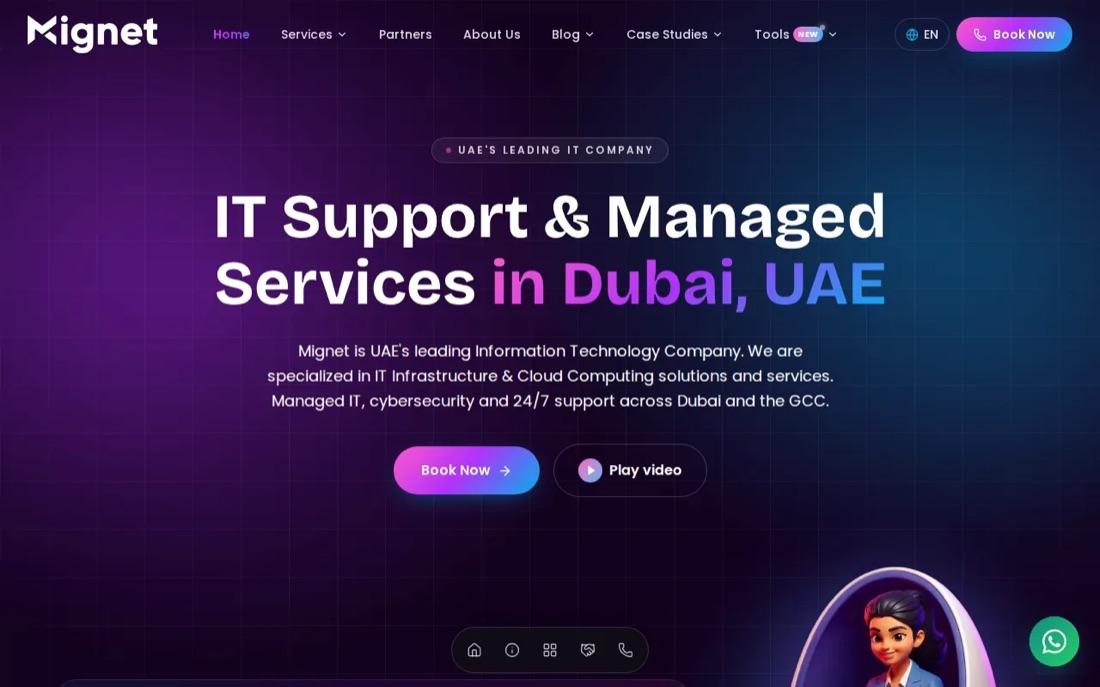
The service scope includes support for Microsoft 365, networks, cloud, cybersecurity, servers, backups and user devices. Mignet uses a hybrid support model, with 24/7 remote support and on-site visits for AMC clients. That can suit a firm whose staff need help outside standard office hours, while still wanting a site visit for problems that can't be fixed remotely.
Before choosing any managed service, check what the support agreement actually covers. Ask how a ticket is raised, what counts as urgent and when an engineer will come on site. A remote helpdesk may be enough for a password reset, but a failed switch or office-wide connection issue can need hands-on work.
Mignet also includes cybersecurity and cloud services in its managed IT work. That can be useful when responsibility is spread across several suppliers today. Still, make sure the agreement names who owns each task, such as account changes, backup checks and security alerts. A broad service label is less useful than knowing who acts when an alert arrives.
Choose Mignet if managed IT and after-hours remote support are central to your needs. Compare the agreement's response terms with the disruption your office can tolerate, and make sure any on-site coverage matches your location and support plan.
4. Alibaba Cloud: scalable infrastructure and data services
Alibaba Cloud provides cloud infrastructure alongside AI and data services. It may suit organisations with a reason to work across China or Asia, or teams that need scalable cloud resources for data-heavy work. Alibaba Cloud is a leading cloud provider in China and has a major presence across Asia.
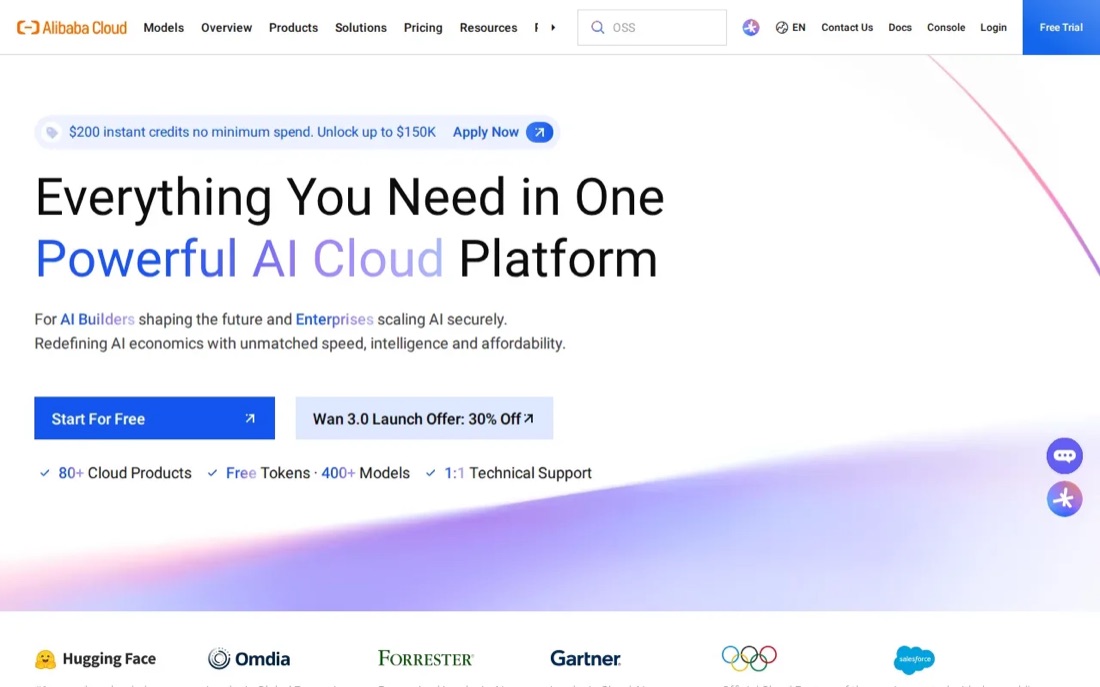
Those facts make it a cloud platform to assess when regional reach matters. But a regional service or data centre does not, by itself, answer every question about a particular workload. Ask where the exact service stores data, which region handles backups and what controls apply to access and recovery.
That check matters for any organisation handling client or staff information. Map the data first, then ask your legal or compliance lead what rules apply to it. Don't treat a provider's regional footprint as a blanket answer for every data residency or regulatory requirement.
For a Dubai SME with ordinary office needs, the main question is simpler: does this platform fit the systems you already run, and who will manage it after setup? If the answer depends on several cloud specialists, include their roles in the plan before you approve a migration.
5. CODE3: cloud backup across Azure, AWS and hybrid environments
CODE3 can help businesses evaluate and implement cloud backup for suitable workloads across Microsoft Azure, AWS and hybrid environments. It may be worth considering when you need to assess backup options for business data.
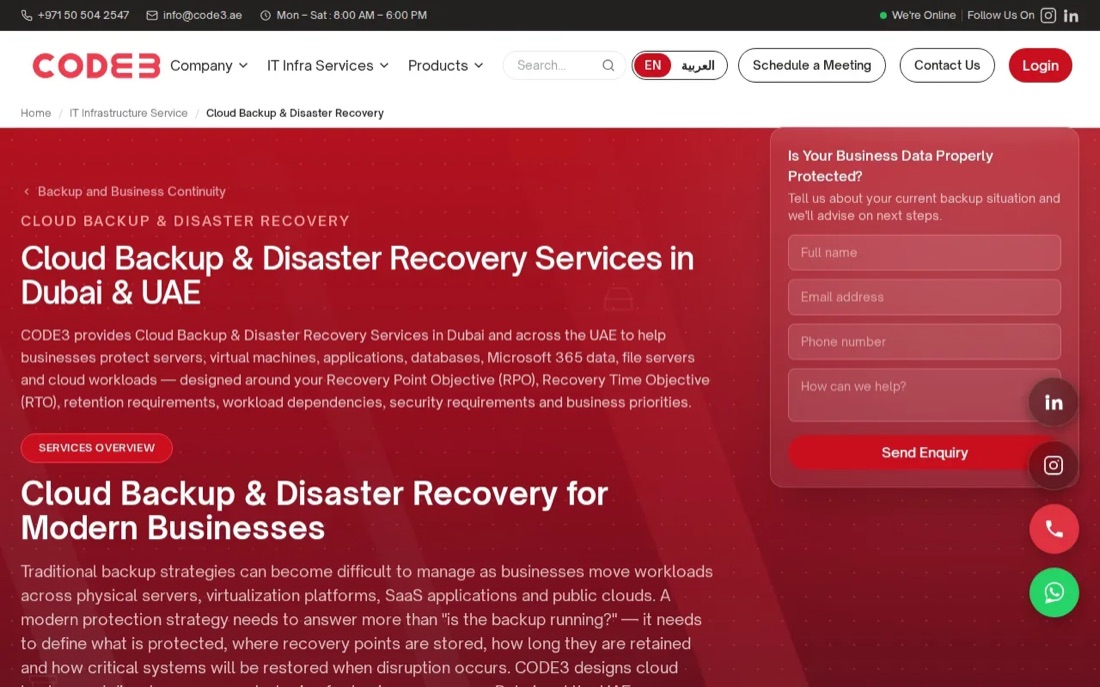
Before choosing a backup approach, list the workloads and data that need protection, including any files or applications still held on local office systems. Consider how long copies should be retained and who will be responsible for checking them.
A successful backup job doesn't prove that a business can recover its work. Ask potential providers how restore testing can be arranged, and whether a test could cover one file, a mailbox or a whole workload.
For example, if a departing employee deletes a shared folder, consider whether an authorised person can recover that folder and its contents without rolling back unrelated work. Match the backup plan to the business impact of losing each workload.
If you also need help with user accounts, devices or network faults, confirm that those everyday office support needs are covered separately.
Cloud solutions in Dubai compared: best fit by business need
The right choice depends on the job you need done. Cloud platforms host workloads; managed IT providers look after the people and equipment using them. Backup specialists focus on recovery. These roles can overlap, but one service shouldn't be assumed to cover all three.
If you're weighing a monthly support agreement against project work, Listonics explains its managed IT pricing model in Dubai. For any provider, compare the written scope and response terms, not only the service name.
Two checks apply whichever option you choose. Microsoft publishes where Microsoft 365 customer data is stored, so you can confirm the data location for your tenant rather than assume it. And Microsoft charges for Microsoft 365 Backup as a separate service, so check whether your plan includes it before treating the subscription itself as your backup.
| Option | Best fit | Check before you commit |
|---|---|---|
| Listonics | Office setup, cloud accounts and ongoing IT support | Confirm project scope and written support response times |
| Amazon Web Services (AWS) by e& | AWS workloads with provider support | Confirm migration scope and ongoing cloud cost review |
| Mignet | Managed IT, cybersecurity and cloud support | Check on-site terms for your support plan |
| Alibaba Cloud | Scalable infrastructure, AI and data services | Verify the region and data handling for each workload |
| CODE3 | Backup and recovery across cloud or hybrid systems | Agree which restore tests are included |
Conclusion
For a Dubai office that needs hands-on IT setup and ongoing support, Listonics is built for that kind of office. Start with a free survey and ask for the project scope and monthly support terms in writing. If your need is narrower, choose the provider whose core work matches it, then test recovery before relying on the new setup.
Frequently asked questions
Cloud solutions let a business use online infrastructure, software or data services instead of relying only on equipment in its office. A team might use cloud accounts for email and files, while a business application runs on cloud infrastructure. The right setup depends on the work, the data involved and who will manage access, security and recovery.
There isn't one best provider for every small business. If you need someone to manage office networks, devices and cloud accounts, start with a managed IT provider such as Listonics. If you already know you need AWS infrastructure, assess AWS by e&. If recovery is the main concern, compare backup scope and restore testing.
Start by listing the systems, users and data that depend on each other. Then agree what will move, what will remain on-site and who owns each task. Test access with staff before go-live, and confirm how support, security monitoring and backup will work afterwards. A migration date without a tested recovery plan leaves an avoidable gap.
No, using a cloud service does not automatically prove that your business can restore the data you need. Check what the service protects and what remains your responsibility. Ask for a test restore, including the files or accounts your staff rely on. The test should show who can recover the data and how long that process takes.
Ask where each workload's data is stored and where its backup copies sit. Then check the rules that apply to your business and the type of information you hold with your legal or compliance adviser. A provider's UAE presence alone does not settle every data residency question; the exact service and workload matter.
Written by Srinivasan Ramachandran, Founder, Listonics · Published Oct 15, 2026 · Last reviewed October 28, 2026 · 1768 words